
Help & support
Help is one click away, on every screen.
Ask for help, report a problem or share feedback from the screen you are on. You see exactly what will be sent before you send it, and the reply comes back to Your requests, right in the app.
Help & feedback, on every screen
A small circle in the corner of every signed-in screen, beside the assistant and the microphone. Click it and tell us what you need.
- Choose what it is: ask for help, report a problem or share feedback
- Mark a problem “This stops my work”, and support sees it flagged
- Close the form and come back later: what you typed is still there
- A dot on the circle tells you when support has replied
Help & feedback Length
Ask for help from the screen you are on, see what will be sent, and read the reply in Your requests.
The voices in this video are AI-generated.
Show transcript
Got a question? Help is one click away: this little circle, on every screen.
Choose Ask for help, and write your question in your own words.
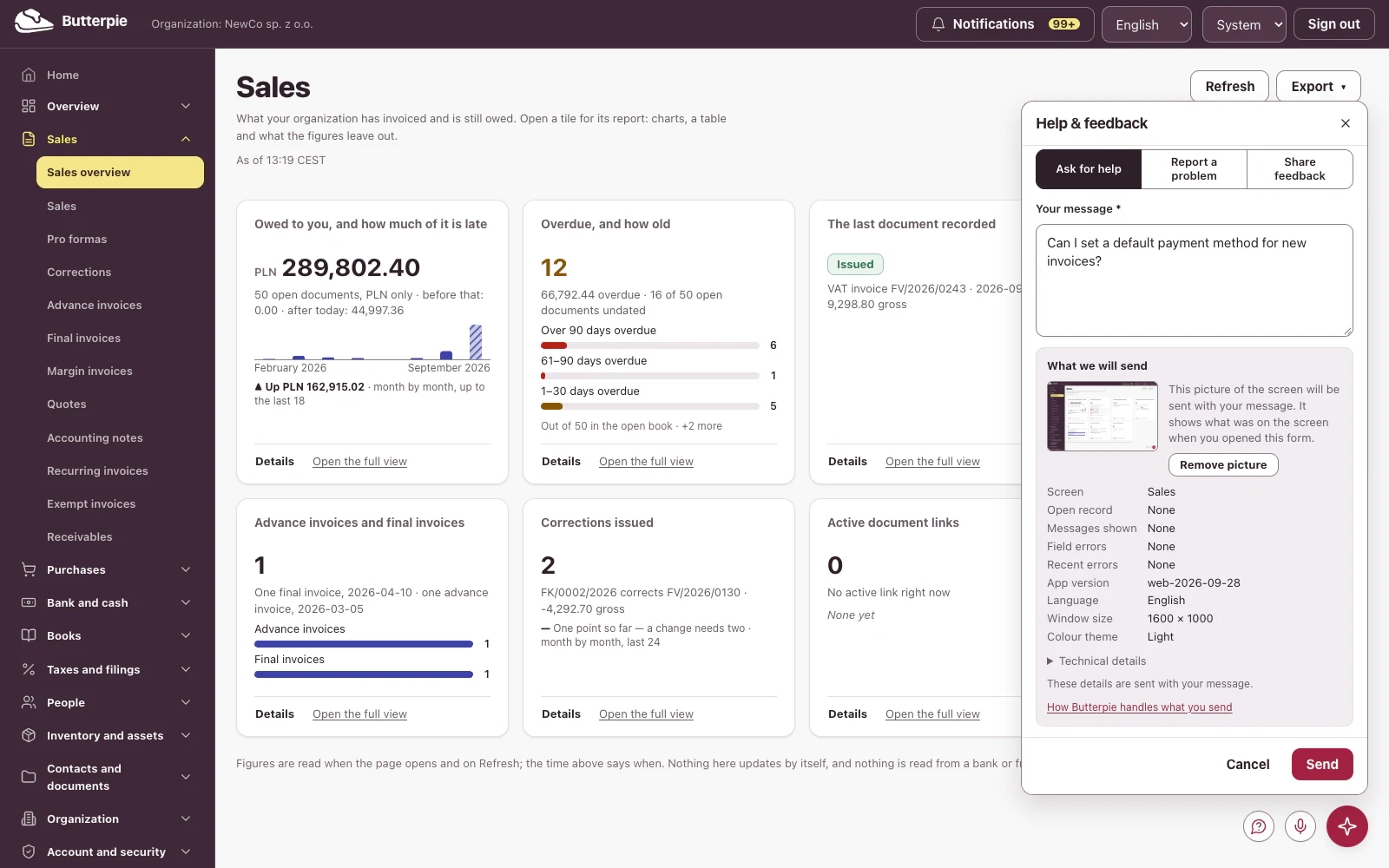
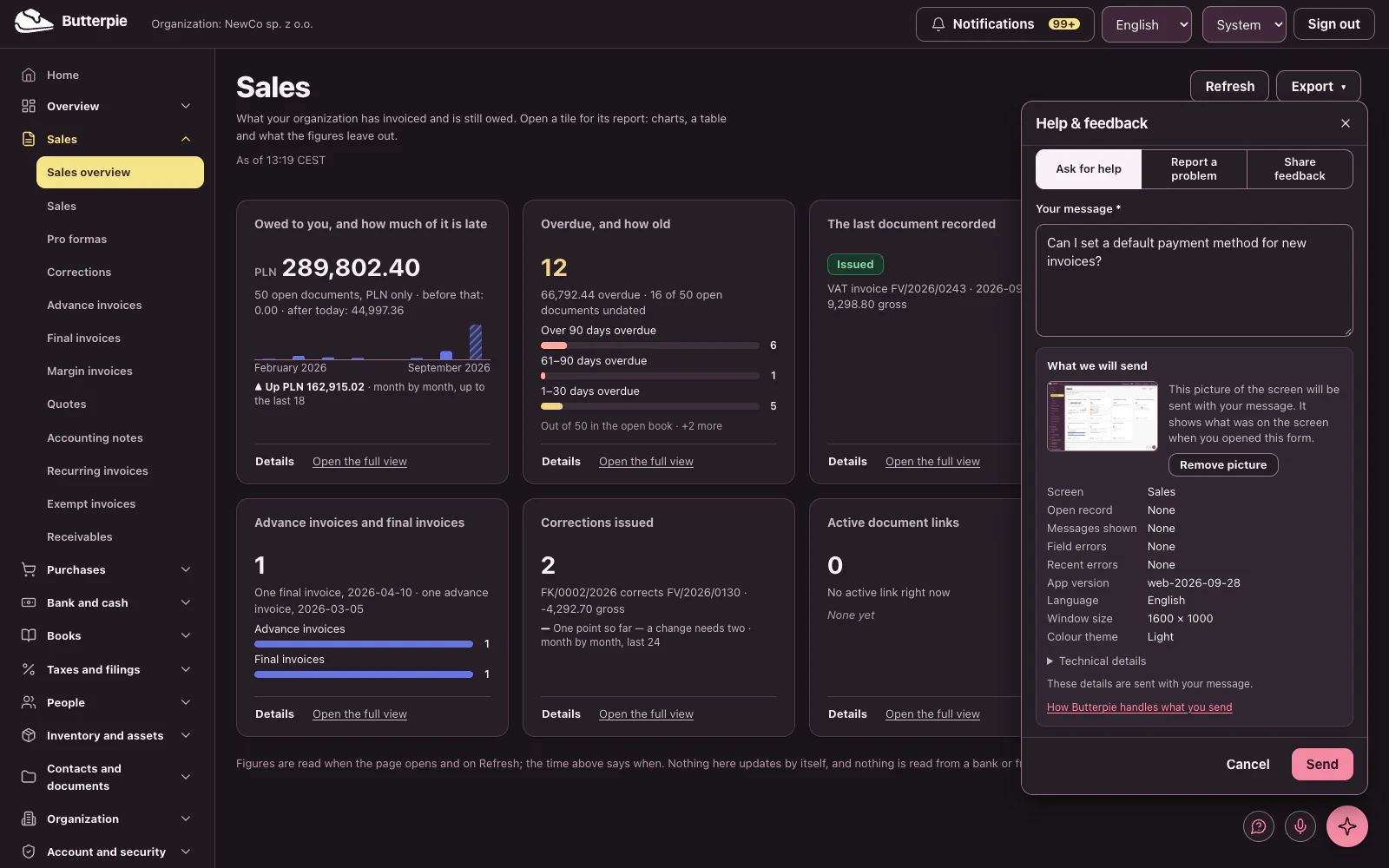
Before you send, you see exactly what goes with it: a picture of your screen, which you can remove, and every detail, spelled out.
Send! Your request goes straight to Butterpie support.
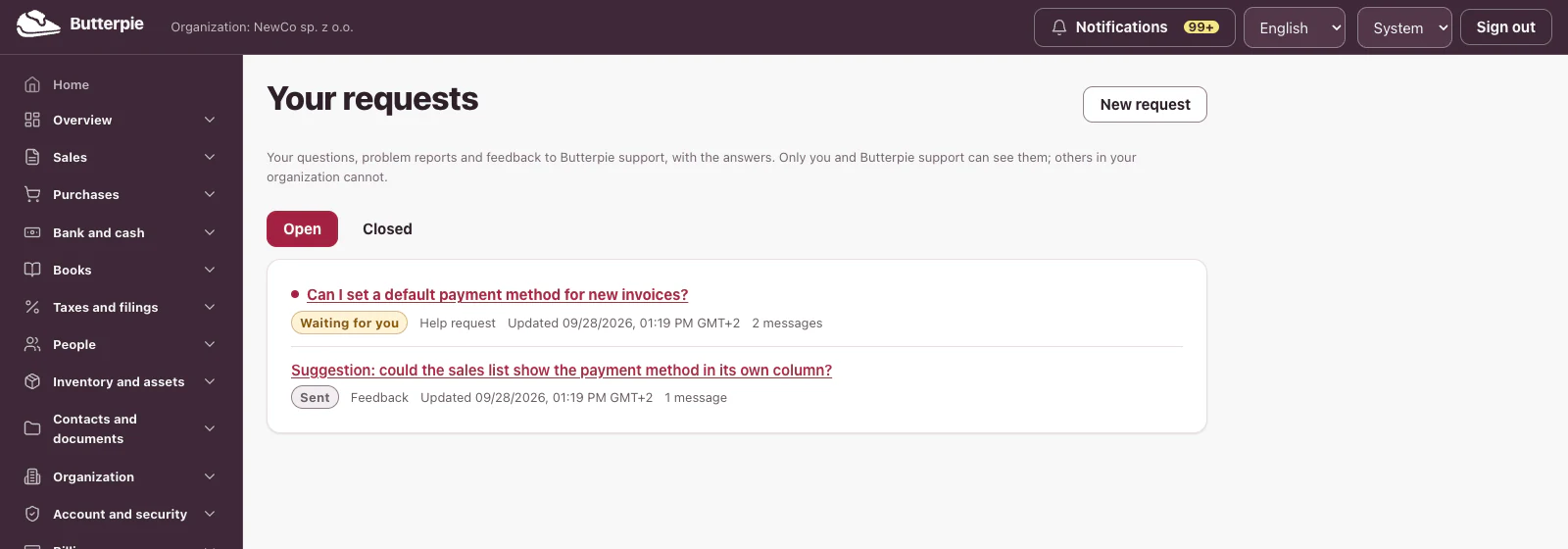
When support answers, it lands right here, in Your requests. Only you and Butterpie support can see it.
Reply right in the thread, or close it when you're done. And you'll get an email whenever there's an answer.
Real help, right where you work. Try the Butterpie demo: the help circle is there too!
What we will send, shown before you send it
When you open the form, a picture of the screen is taken and listed with the details that go with it. Nothing is sent that the form has not shown you.
- The screen's name, the record open on it, the messages and errors it showed, the app version, your language, theme and window size
- A picture of the screen, which you can enlarge — or remove before sending
- Password fields are blank in the picture, and no picture is taken on screens with security codes or credentials
- Technical references, such as those of a failed request, help support find exactly what happened
Your requests, and the replies
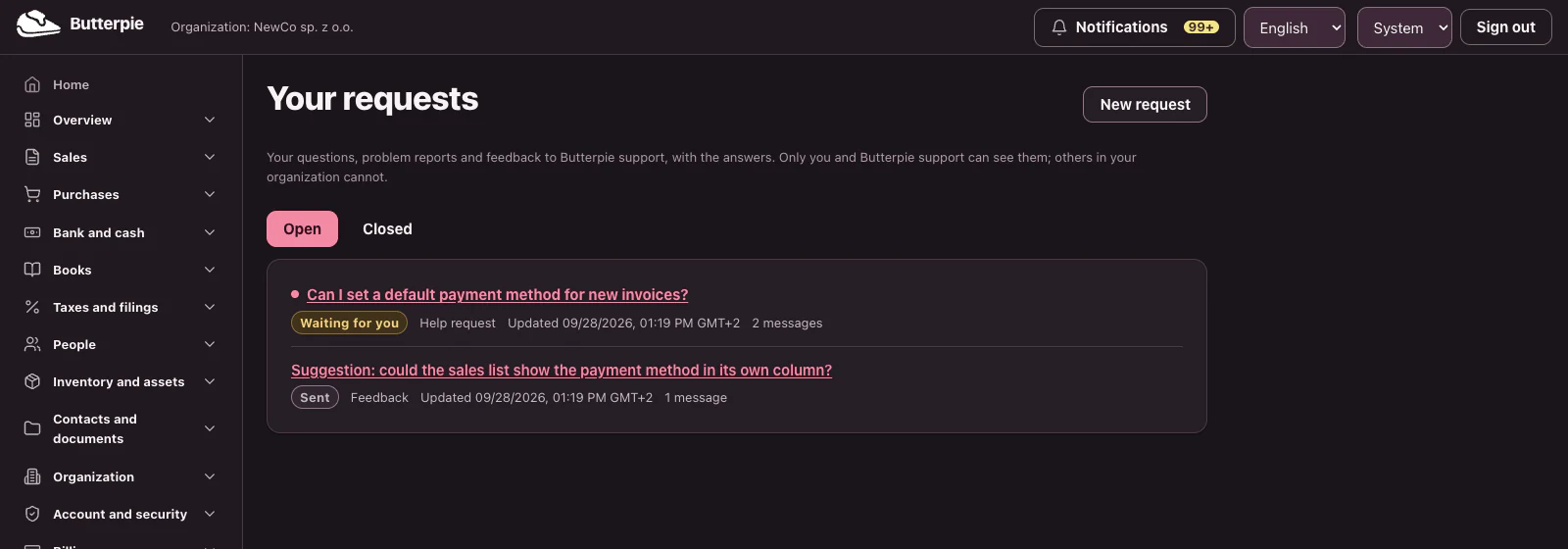
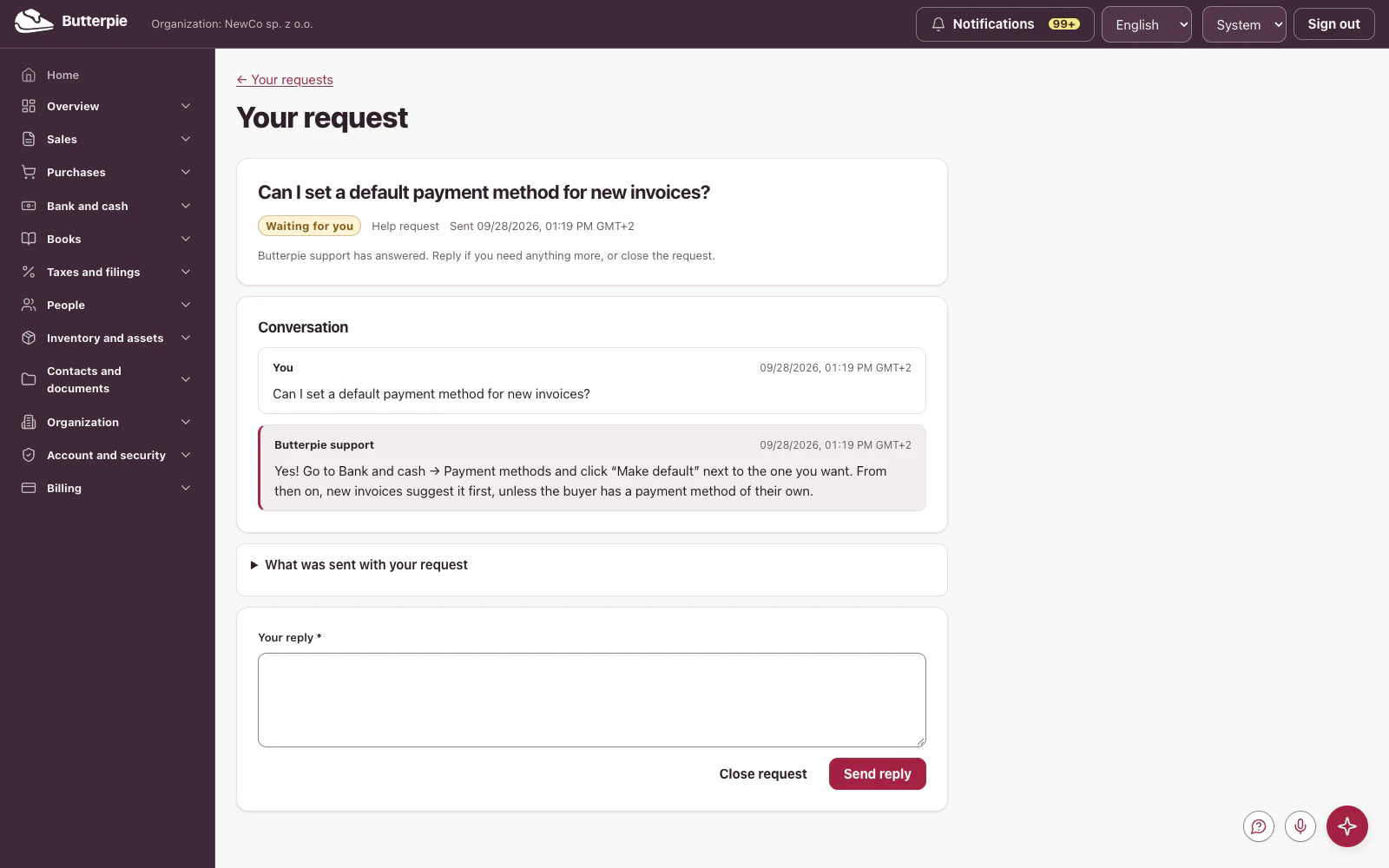
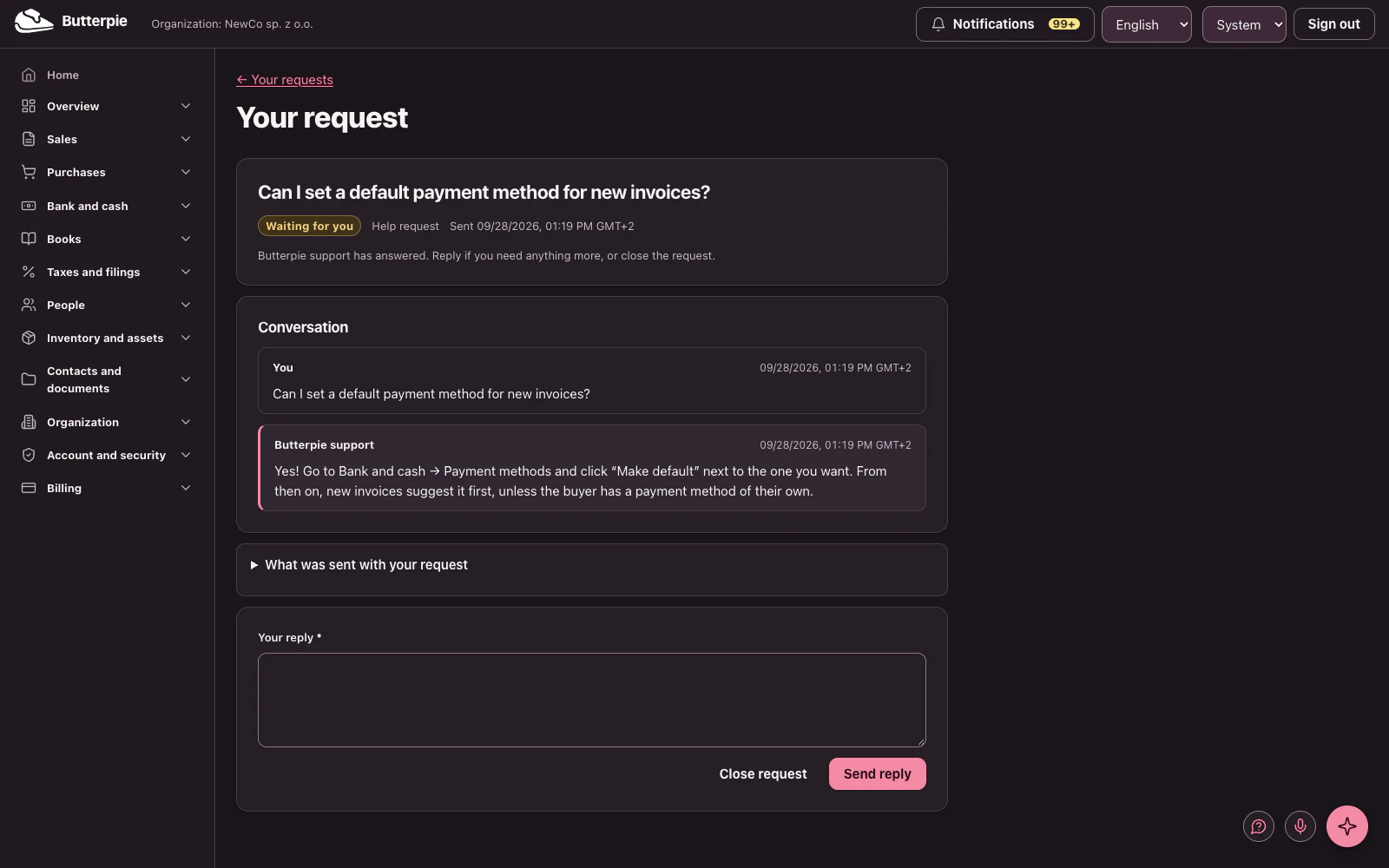
Every request you send is kept in Your requests, with the conversation, the details you sent and the picture.
- Reply in the same conversation, and close a request when you are done
- A notice in the app and a short email tell you when a reply is waiting
- The email never contains the text of your request or of the reply; you read it after signing in
- A request marked resolved reopens if you reply within 14 days
Every request says where it stands
- Sent
- In progress
- Waiting for you
- Resolved
- Closed
Answered by people
Butterpie support reads your request and writes the reply. Help requests are never sent to our AI service provider.
- Every reply is written by a person, not drafted by AI
- Support sees what you chose to send — the message, the details, the picture — and nothing else of your organization
- Each time support opens a request or its picture, the access is recorded
A contact form where there is no inbox
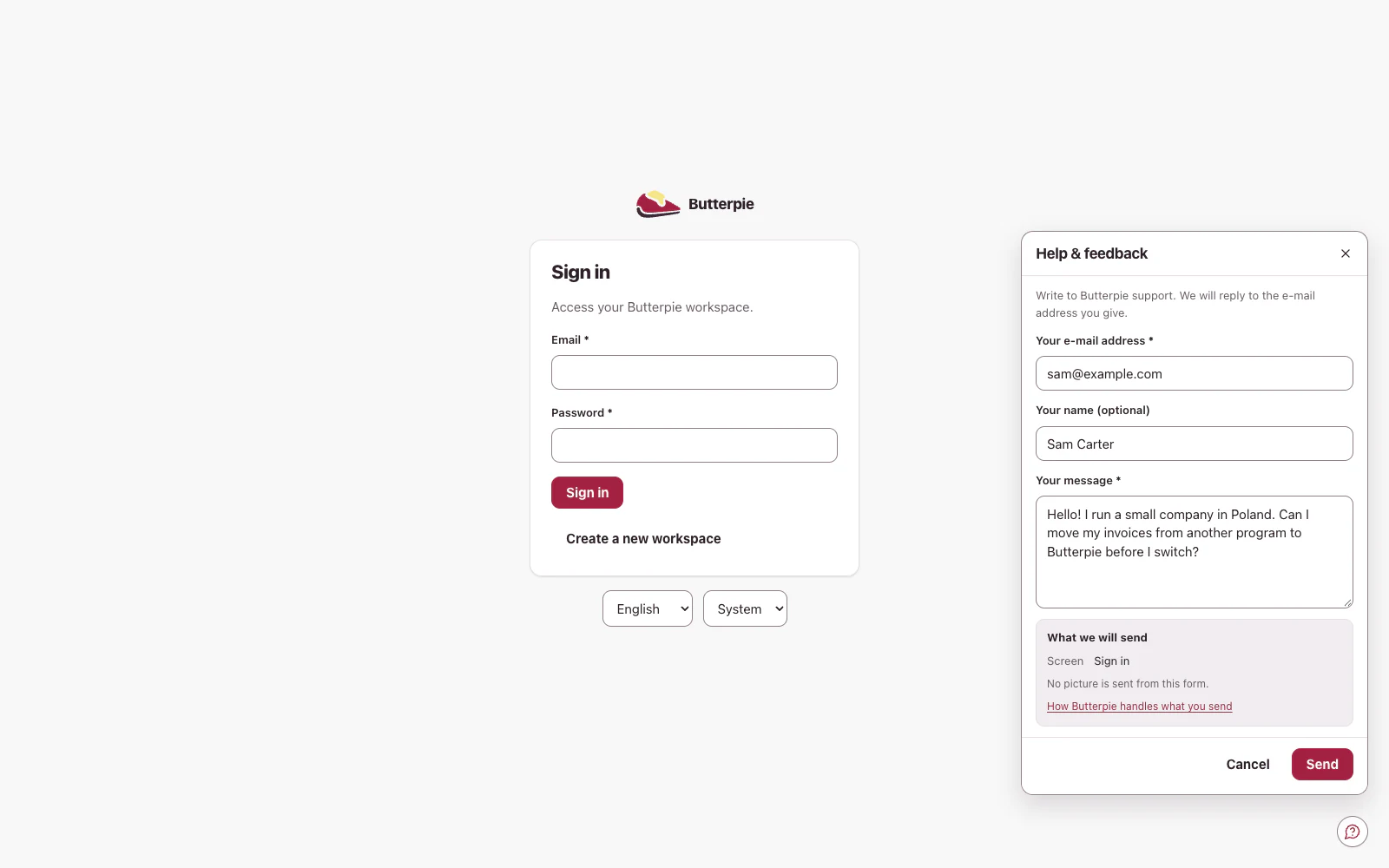
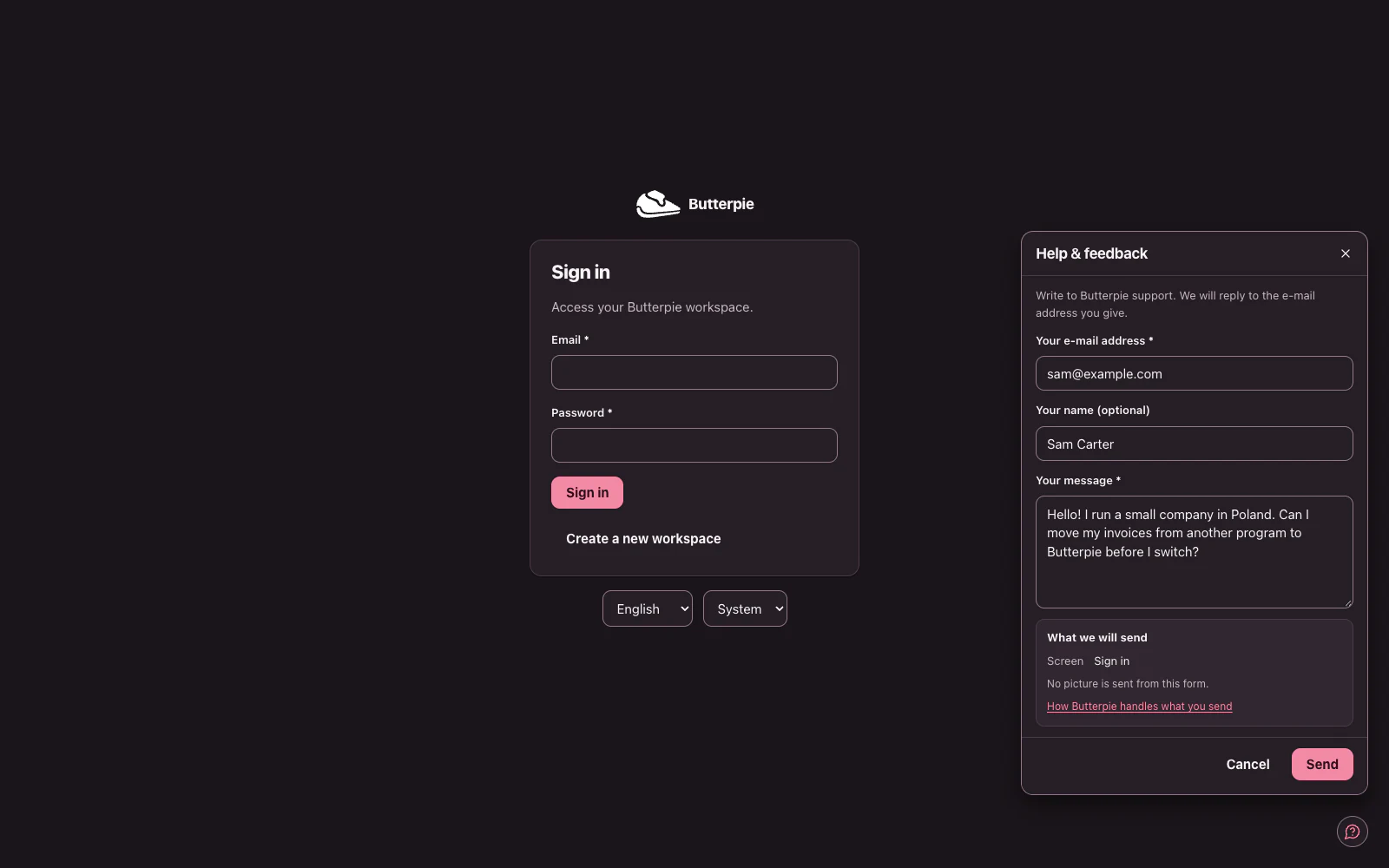
In the public demo and on the sign-in, sign-up and two-factor screens, the same circle opens a short contact form instead.
- Leave your email address and we will reply there
- No picture is sent from the contact form
- The same kind of form is at the foot of this page, and a person answers it
Private to you
A request is between you and Butterpie support.
- Other members of your organization — owners and administrators included — cannot see your requests
- A request, its conversation and its picture are kept for up to 10 years after its last message or change of status, or longer if a legal hold requires it
- If the picture shows something support does not need to see, remove it before you send
Talk to us
Questions about fit, migration, or pricing — write and a person will answer. If you are signed in, we will see which user account wrote and reply there.