Butterpie
ThemeSystem

Built for small business

What Butterpie covers

Thirteen areas of the back office, not a pile of disconnected tools. Every figure on one screen came from a document on another.

Overview

Where the month stands, before anyone asks.

  • A dashboard that reads from the books, not from a spreadsheet
  • Results by period, with the figures that produced them one click away

Overview: a short tour Length

The voices in this video are AI-generated.

Show transcript

Your Overview: where the month stands, before anyone asks!

Cash and a thirteen-week runway, money owed both ways, and the year's result, read from the books, not a spreadsheet.

And every figure is one click from the report behind it.

Butterpie. Business, easy as pie. Try the demo!
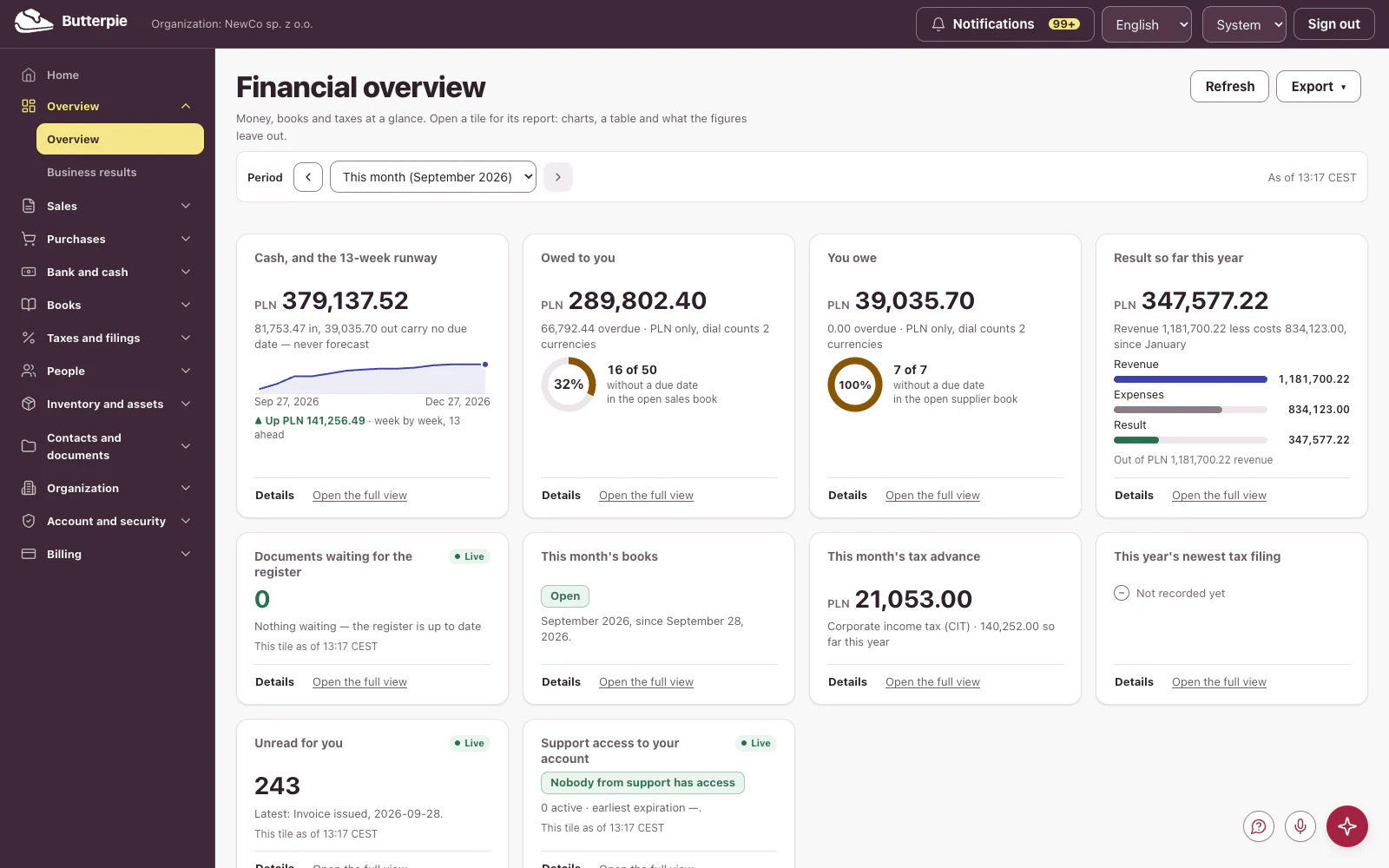
Overview: the dashboard, with the demo company's figures

Sales

Every document Polish invoicing actually requires.

  • VAT invoices, pro forma invoices, advance invoices, and final invoices
  • Corrections with signed deltas, so the original is never rewritten
  • Margin invoices, exempt invoices, and accounting notes (noty księgowe)
  • Recurring invoices and a receivables register that ages itself

Sales: a short tour Length

The voices in this video are AI-generated.

Show transcript

Sales, all in one place!

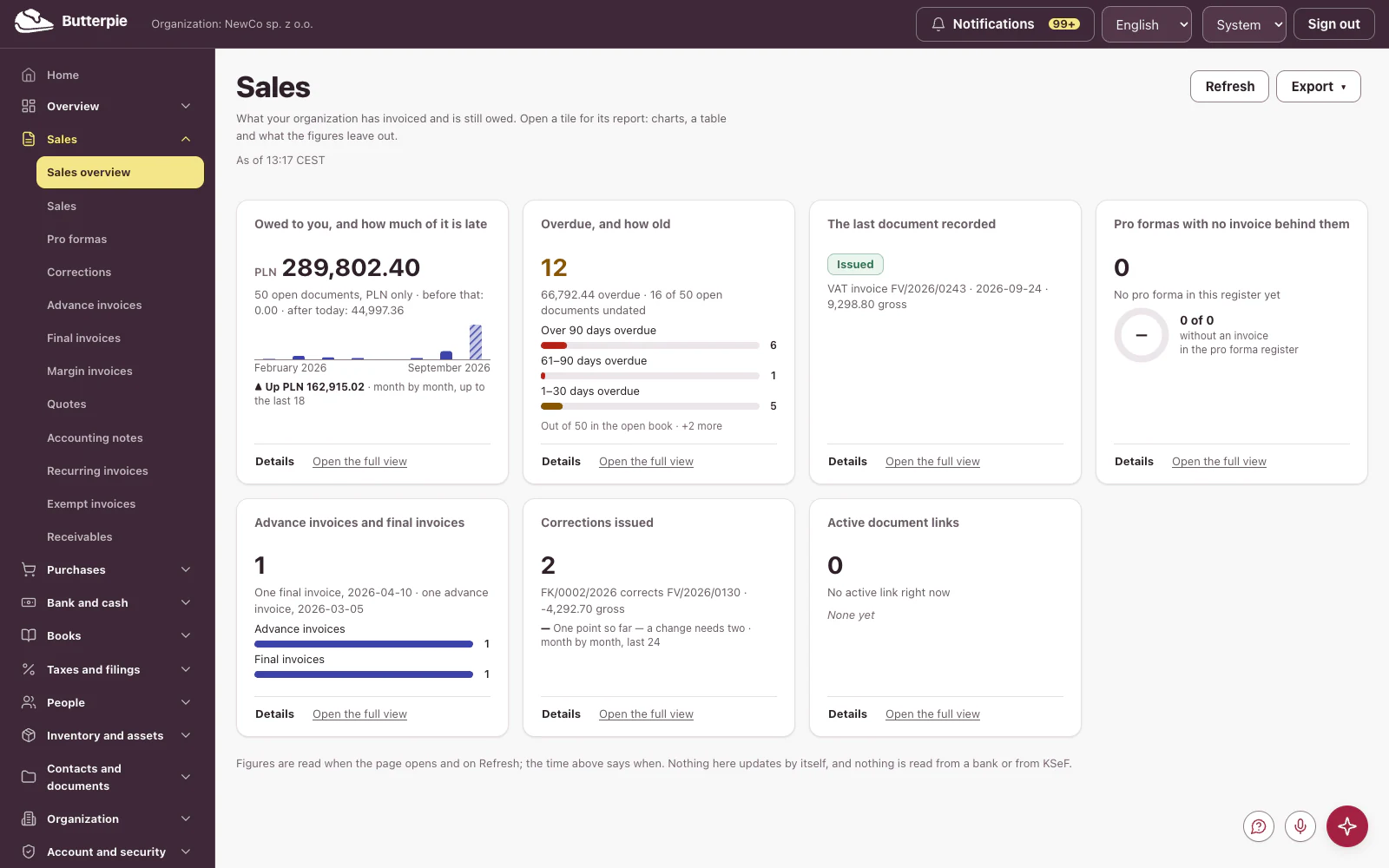
What customers owe you and how late it is, your latest document, advance and final invoices, and corrections.

Open a tile for the full picture, month by month.

Every document Polish invoicing needs, from VAT invoices to margin and exempt invoices.

Butterpie. One system. The full menu. Try the demo!

Sales: the dashboard, with the demo company's figures

Purchases

Expenses captured once, in the right book.

  • Purchase invoices, corrections, and other expenses
  • An expense register that knows which book an expense belongs in
  • Document capture with per-field provenance — nothing is invented
  • Payables beside receivables, so cash is one view

Purchases: a short tour Length

The voices in this video are AI-generated.

Show transcript

Purchases: every cost captured once, in the right book.

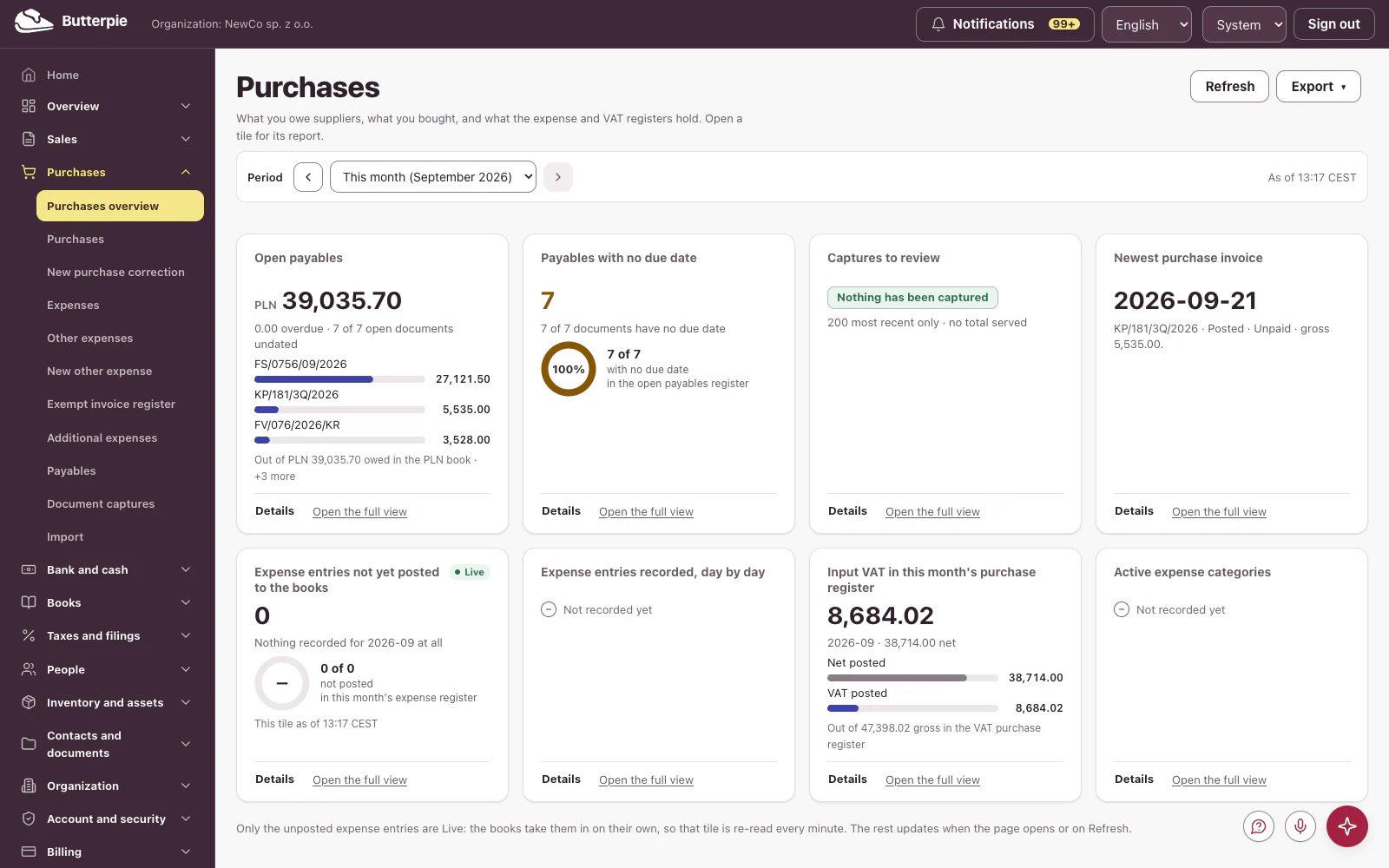
Open payables, those with no due date, your newest purchase invoice, and this month's input VAT.

Dig into any tile for the details.

And every purchase invoice, right there in the register.

Butterpie. All the right ingredients. Try the demo!

Purchases: the dashboard, with the demo company's figures

Bank and cash

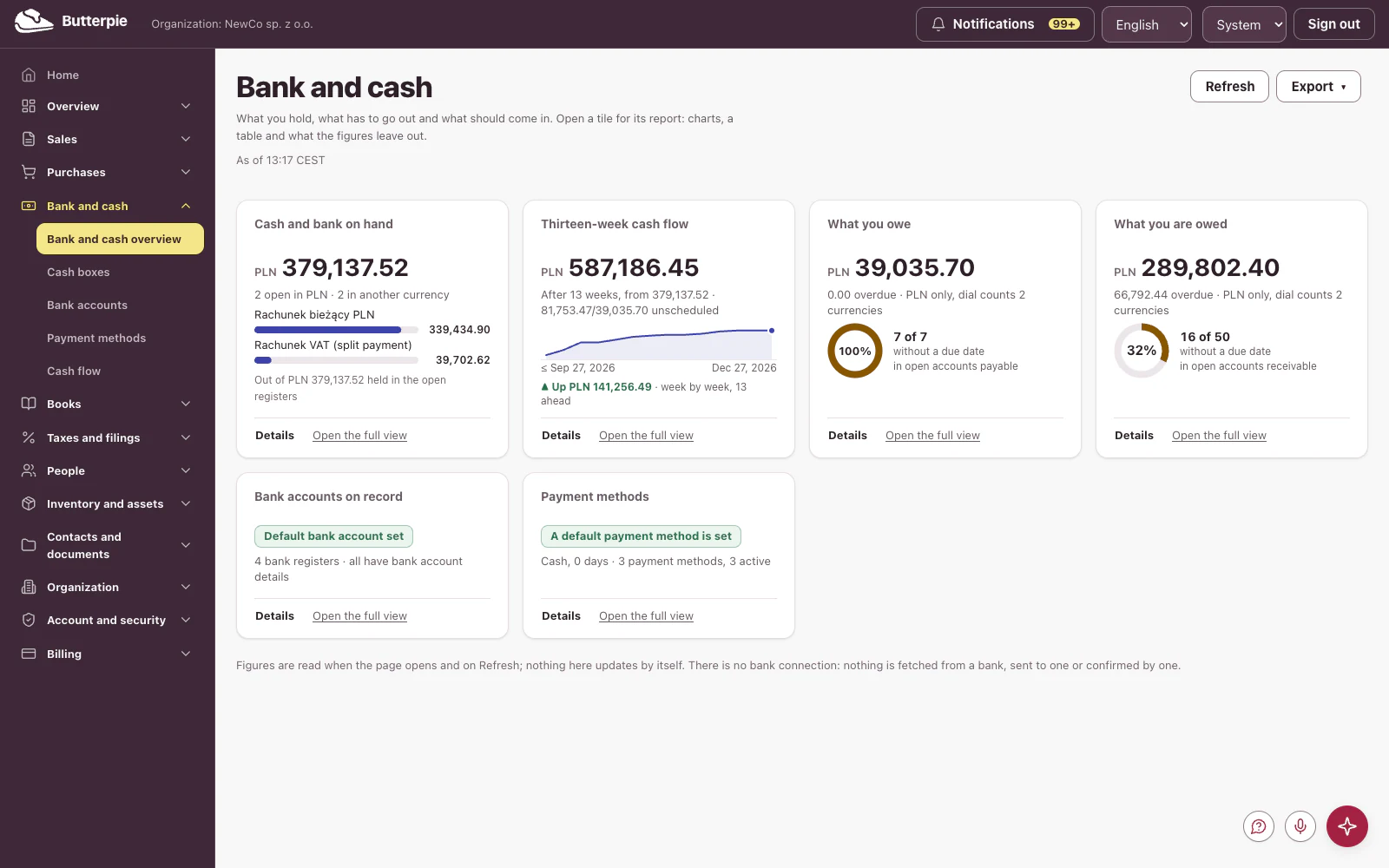
Cash boxes and a forecast that follows from them.

  • Cash boxes with reports for each cash box
  • A cash-flow forecast built from documents already issued

Bank and cash: a short tour Length

The voices in this video are AI-generated.

Show transcript

Bank and cash, crystal clear!

Balances account by account, and a thirteen-week forecast built from the invoices and bills already on your books.

Week by week: what's coming in, and what's going out.

Butterpie. Your bread and butter, handled. Try the demo!

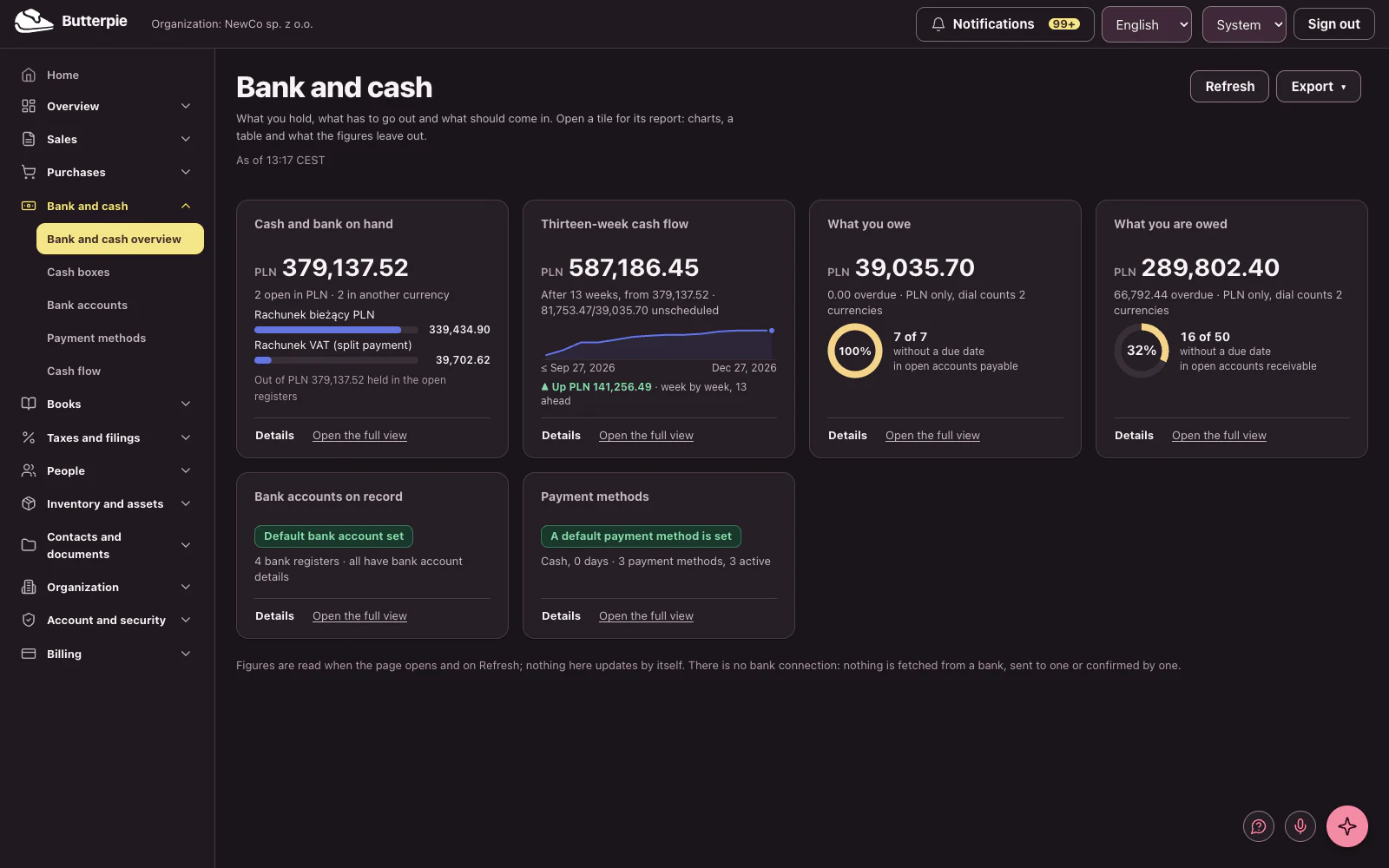
Bank and cash: the dashboard, with the demo company's figures

Books

KPiR, ryczałt, or full books — whichever you are on.

  • KPiR with entries, summaries, and printouts
  • Lump-sum register with its own entry and print path
  • A full chart of accounts and general ledger
  • Period close with an inventory count and the cash-method option

Books: a short tour Length

The voices in this video are AI-generated.

Show transcript

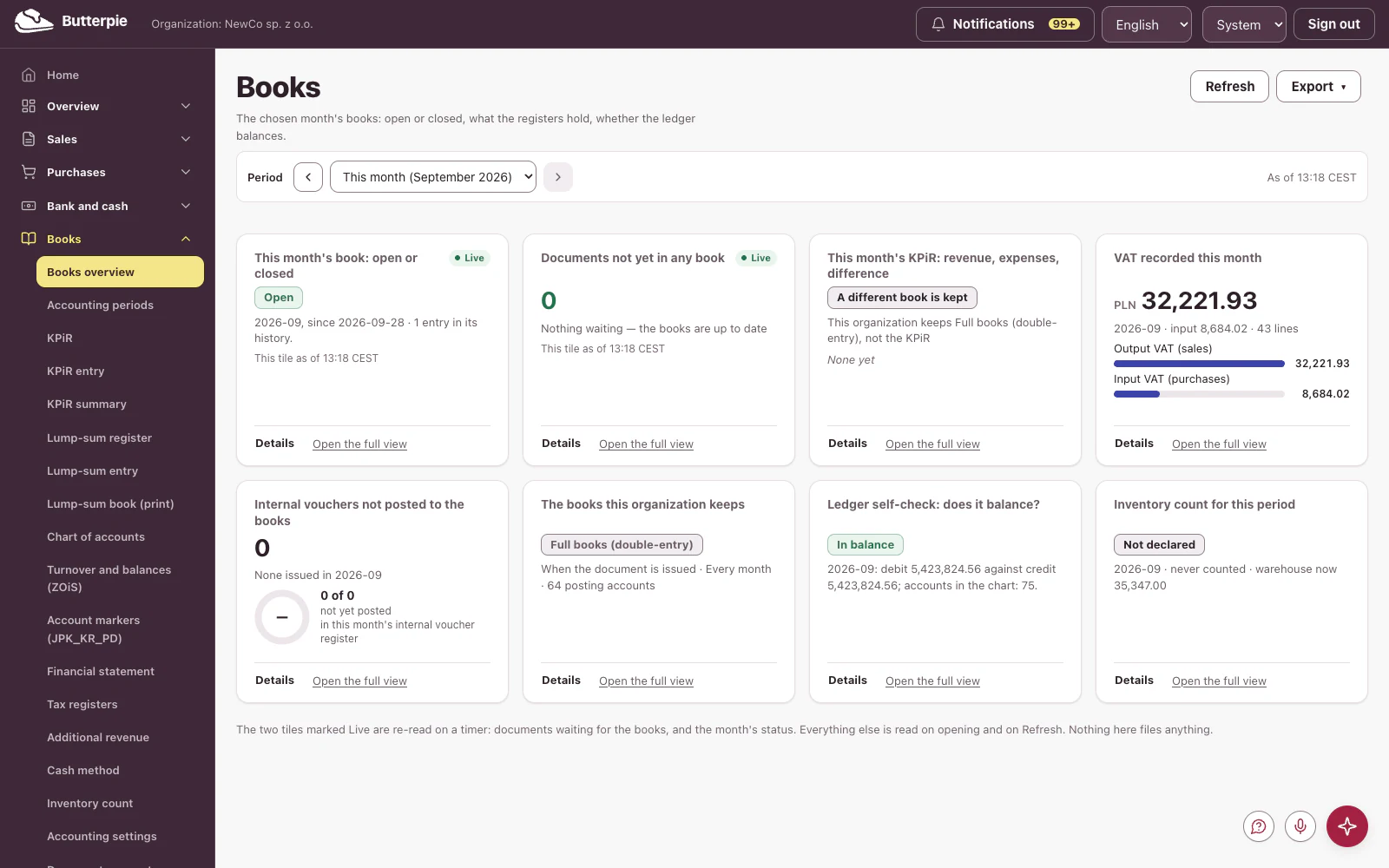
The books: the KPiR revenue and expense ledger, lump-sum tax or full accounting, whichever you keep.

Whether the month is open or closed, the VAT recorded, and a trial balance that checks itself.

Does it balance? One click shows you.

A full chart of accounts and general ledger, right behind it.

Butterpie. Nothing half-baked. Try the demo!

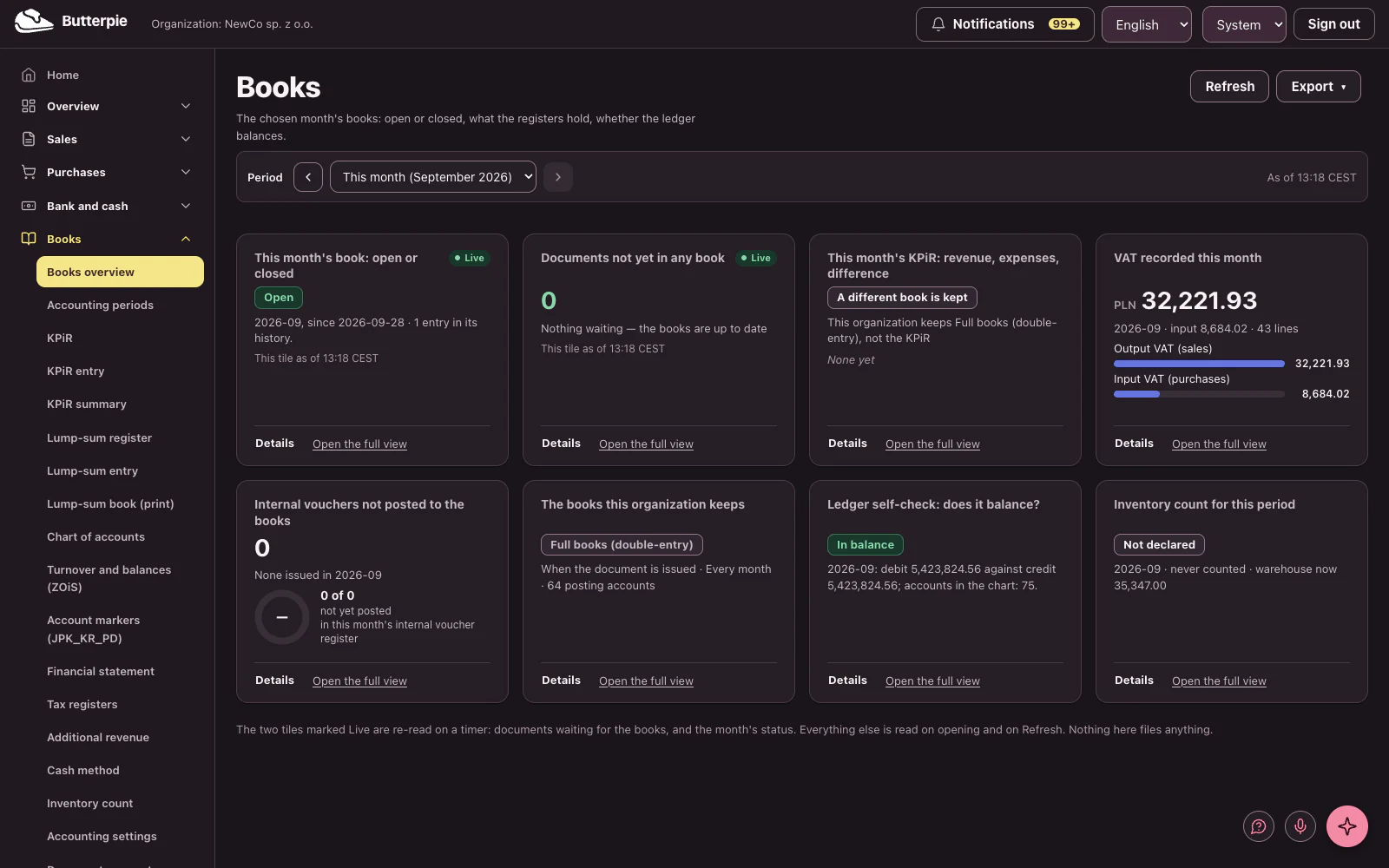
Books: the dashboard, with the demo company's figures

Taxes and filings

The filings Poland asks for, from the books you already keep.

  • VAT register, VAT returns, and JPK_V7
  • VAT-8 returns, VAT-9M returns, VAT-UE statements, and VIU-DO (OSS return)
  • PIT advances, annual PIT returns, PIT-11 information returns, and PIT-28 returns
  • CIT for companies, ZUS contributions, and a KSeF connection

Taxes and filings: a short tour Length

The voices in this video are AI-generated.

Show transcript

Taxes and filings, from the books you already keep!

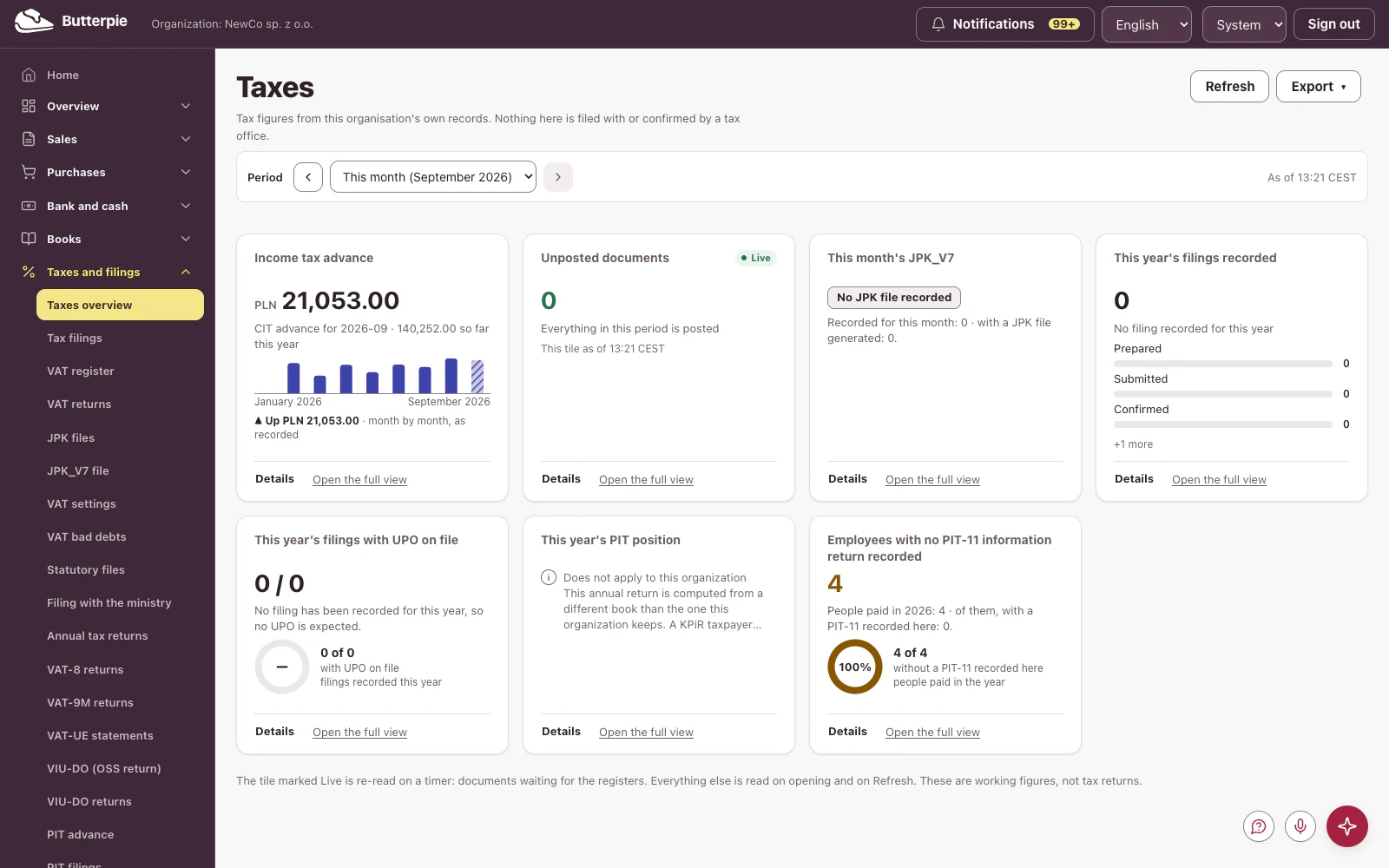
Your income tax advance month by month, whether every document is posted, and how many employees have no PIT-11 recorded.

Open the details: every month's advance and the tax so far this year, in one view.

VAT, PIT, CIT and ZUS contributions: what Poland asks for, covered.

Butterpie. The recipe for a well-run company. Try the demo!

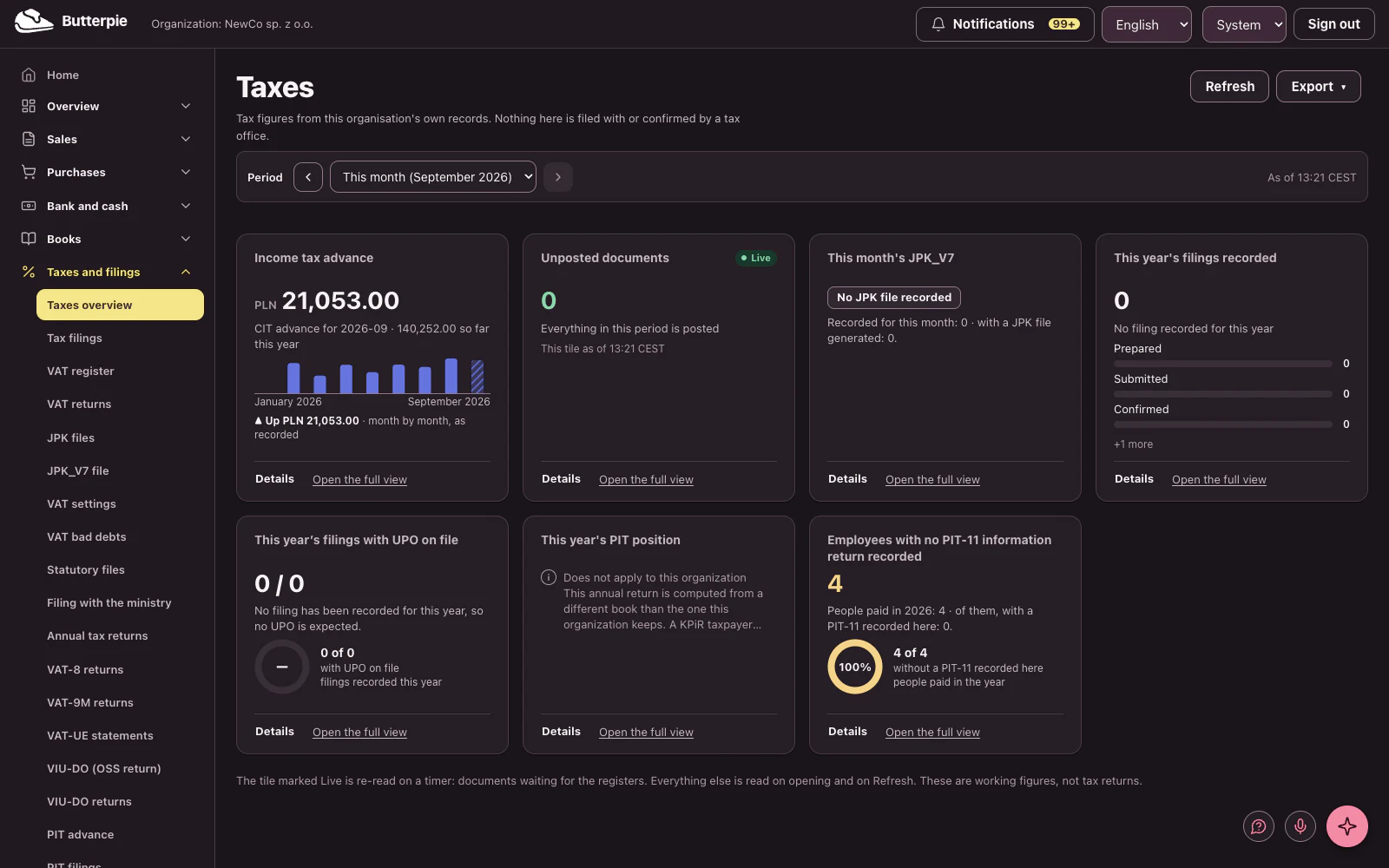
Taxes and filings: the dashboard, with the demo company's figures

People

Payroll and the paperwork that comes with it.

  • Payroll with pay stubs and contribution rates that cross-check
  • Leave balances
  • Civil-law contracts and their rachunki
  • Business travel with per diems and mileage reimbursement

People: a short tour Length

The voices in this video are AI-generated.

Show transcript

People: payroll, and all the paperwork that comes with it.

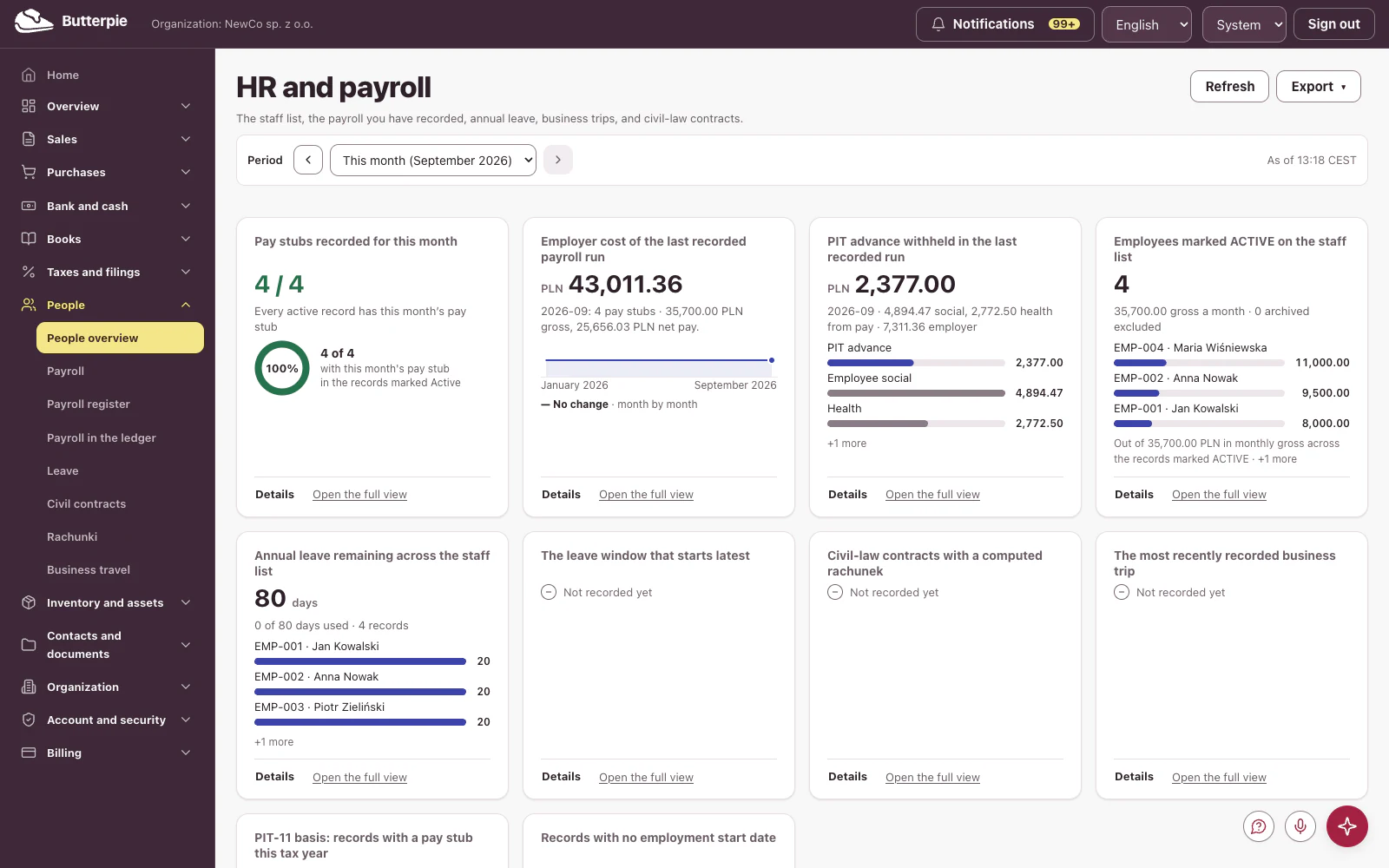
The month's pay stubs, the employer cost of each run, the income tax withheld, and leave balances.

See how payroll costs move, run after run.

Payroll comes with the Pro plan.

Butterpie. The kitchen behind your business. Try the demo!

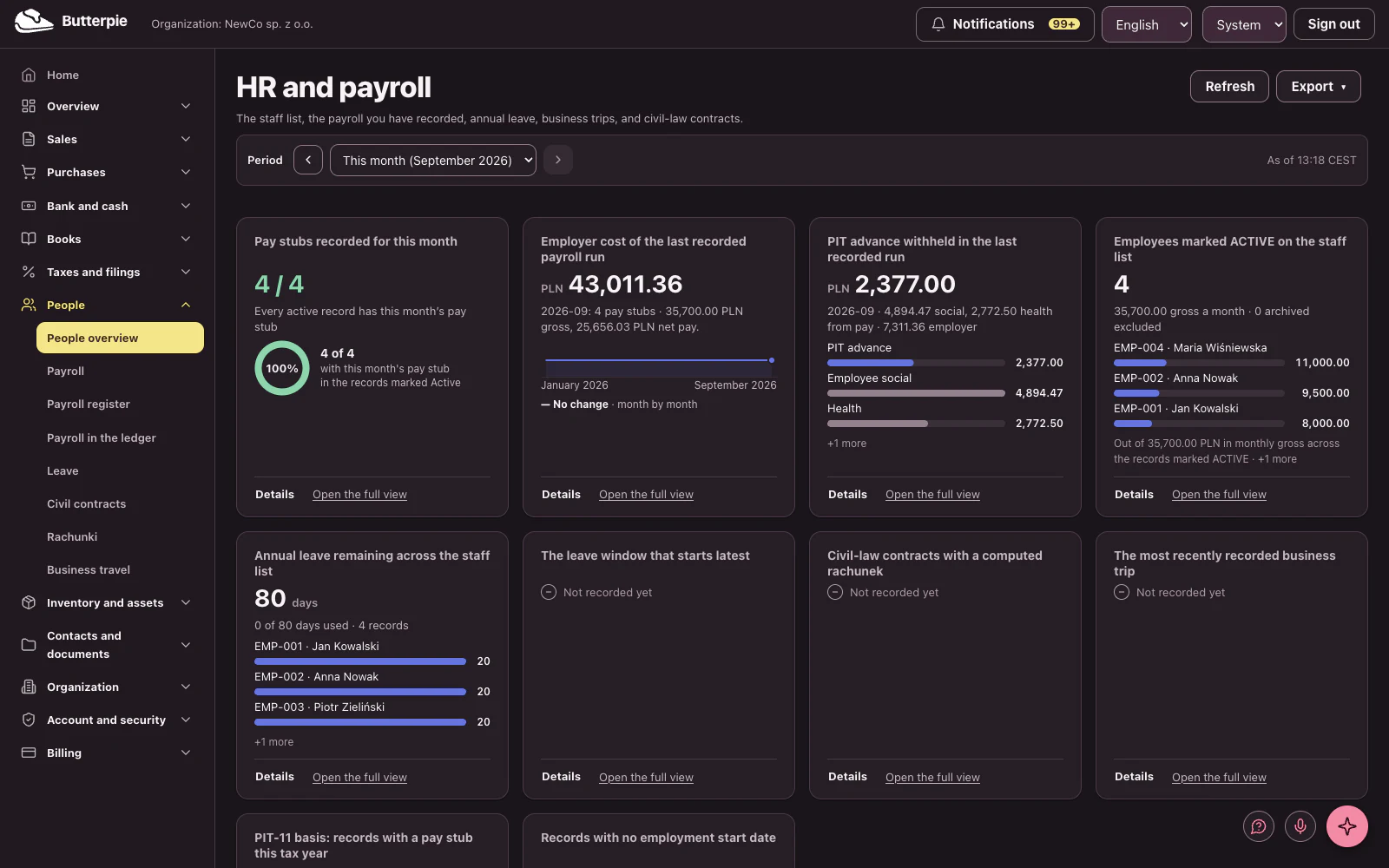
People: the dashboard, with the demo company's figures

Inventory and assets

What you hold, and what it is worth.

  • Warehouse inventory and movements
  • Product master data
  • Fixed assets with depreciation computed on read
  • Low-value equipment kept apart from assets

Inventory and assets: a short tour Length

The voices in this video are AI-generated.

Show transcript

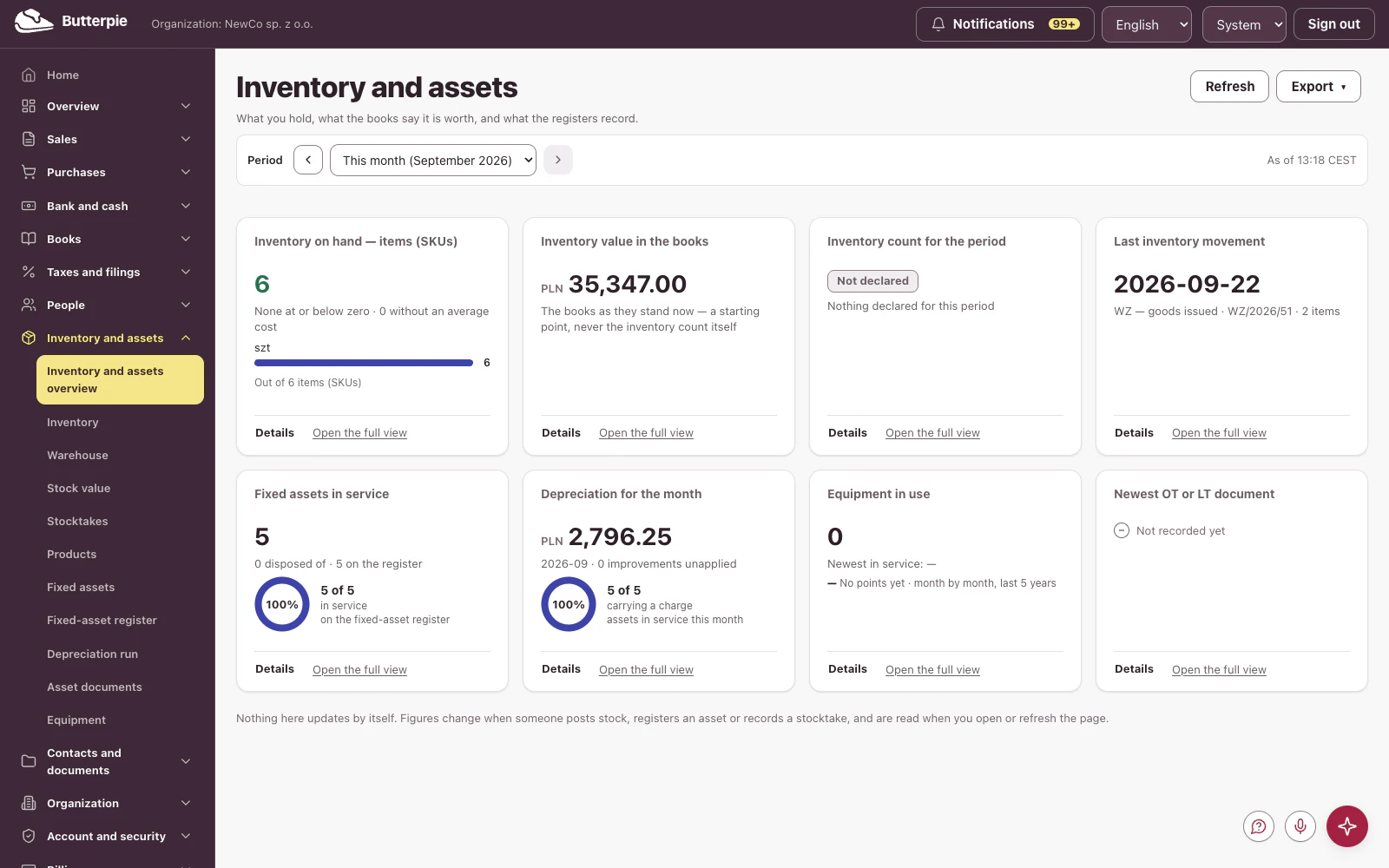
Inventory and assets: what you hold, and what it's worth.

Inventory item by item, its value on the books, fixed assets in service, and this month's depreciation.

Inventory value over time: what came in, and what went out.

Right down to the last laptop. Warehouse and fixed assets come with the Pro plan.

Butterpie. Made to rise. Try the demo!

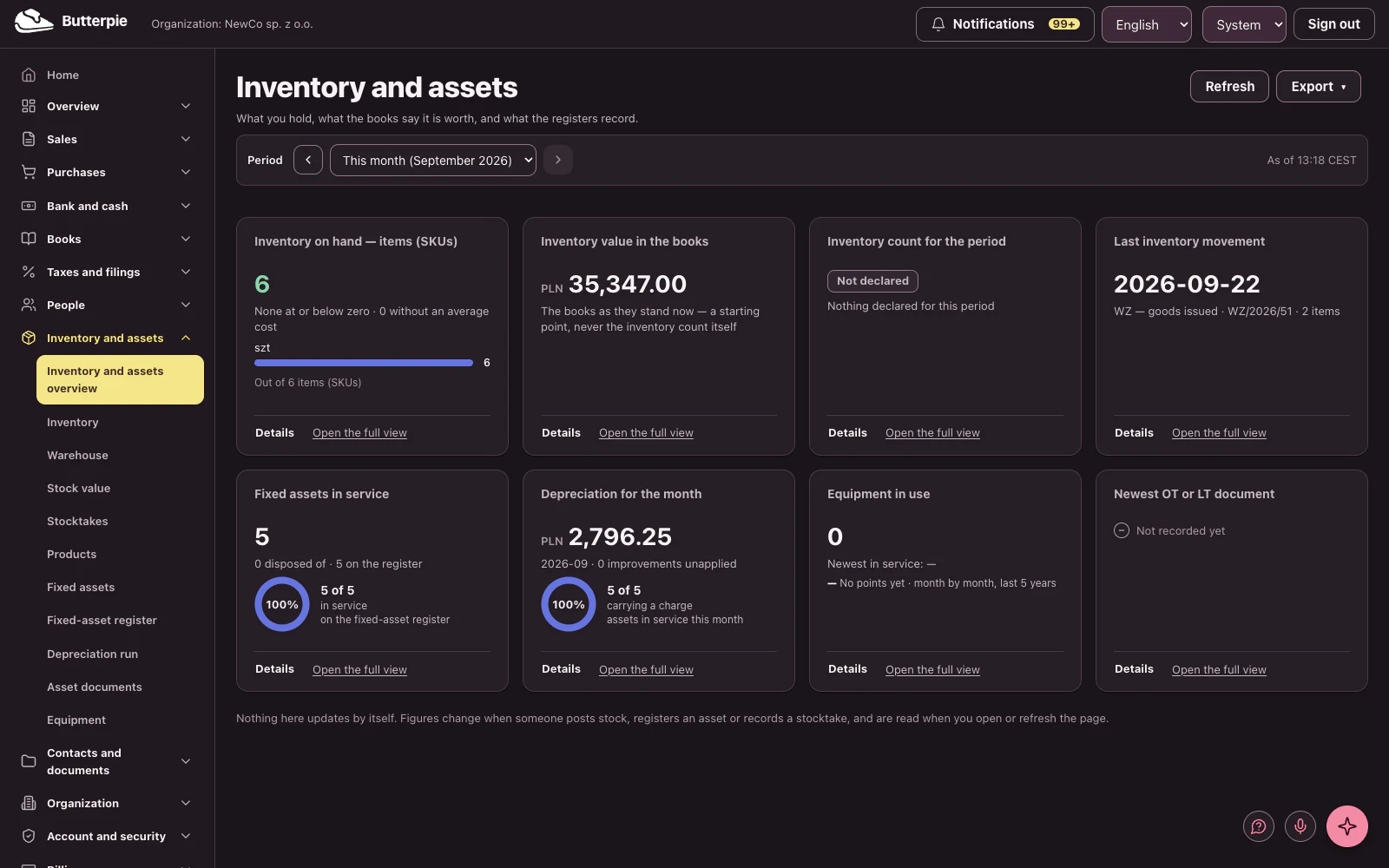
Inventory and assets: the dashboard, with the demo company's figures

Contacts and documents

Counterparties, numbering, and delivery.

  • A counterparty register with verification
  • Numbering series you control
  • Share links that expire
  • Documentation, deep-linked from the screens that need it

Contacts and documents: a short tour Length

The voices in this video are AI-generated.

Show transcript

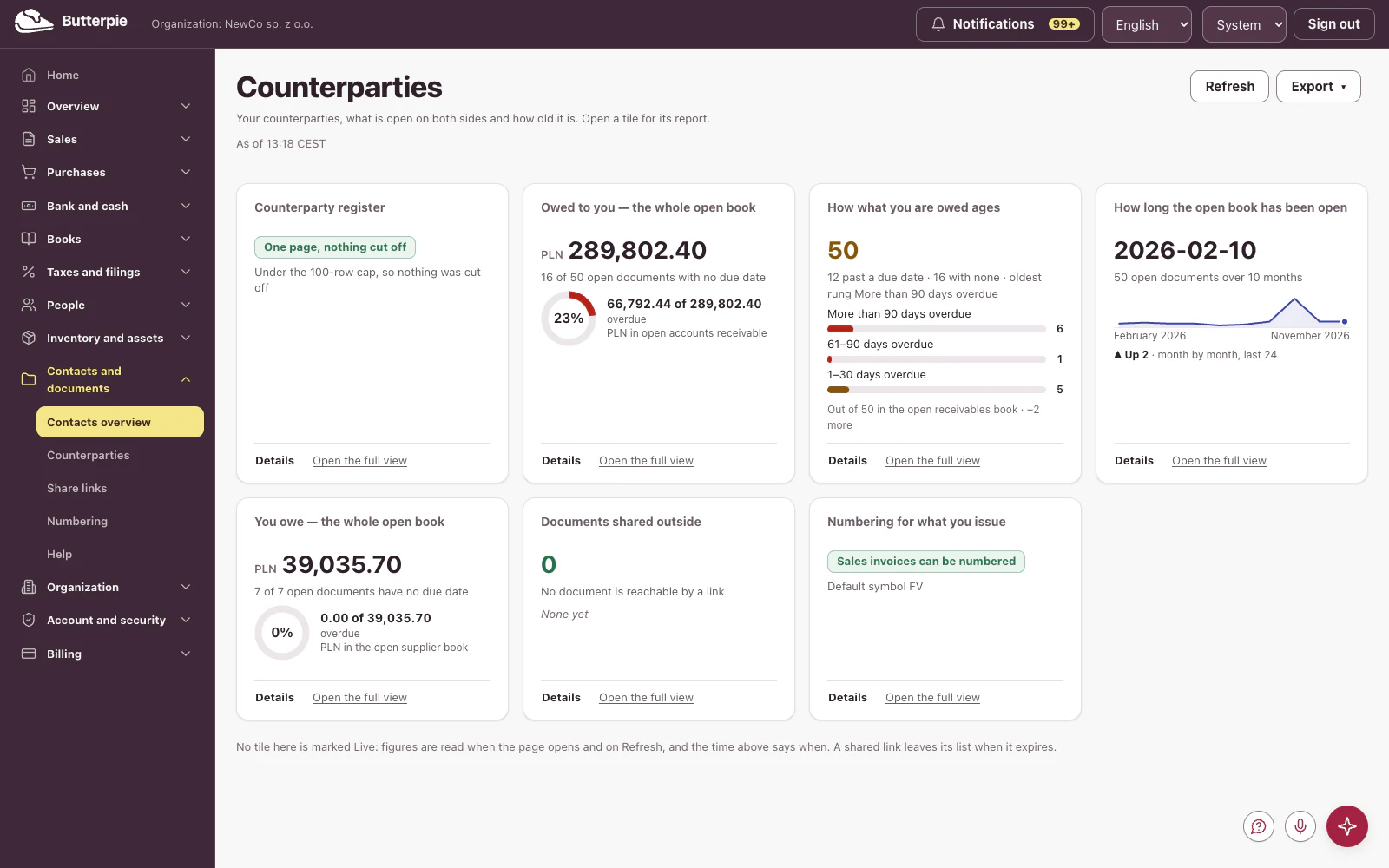
Counterparties: everyone you do business with, in one register.

What customers owe you and how it ages, what you owe your suppliers, and numbering you control.

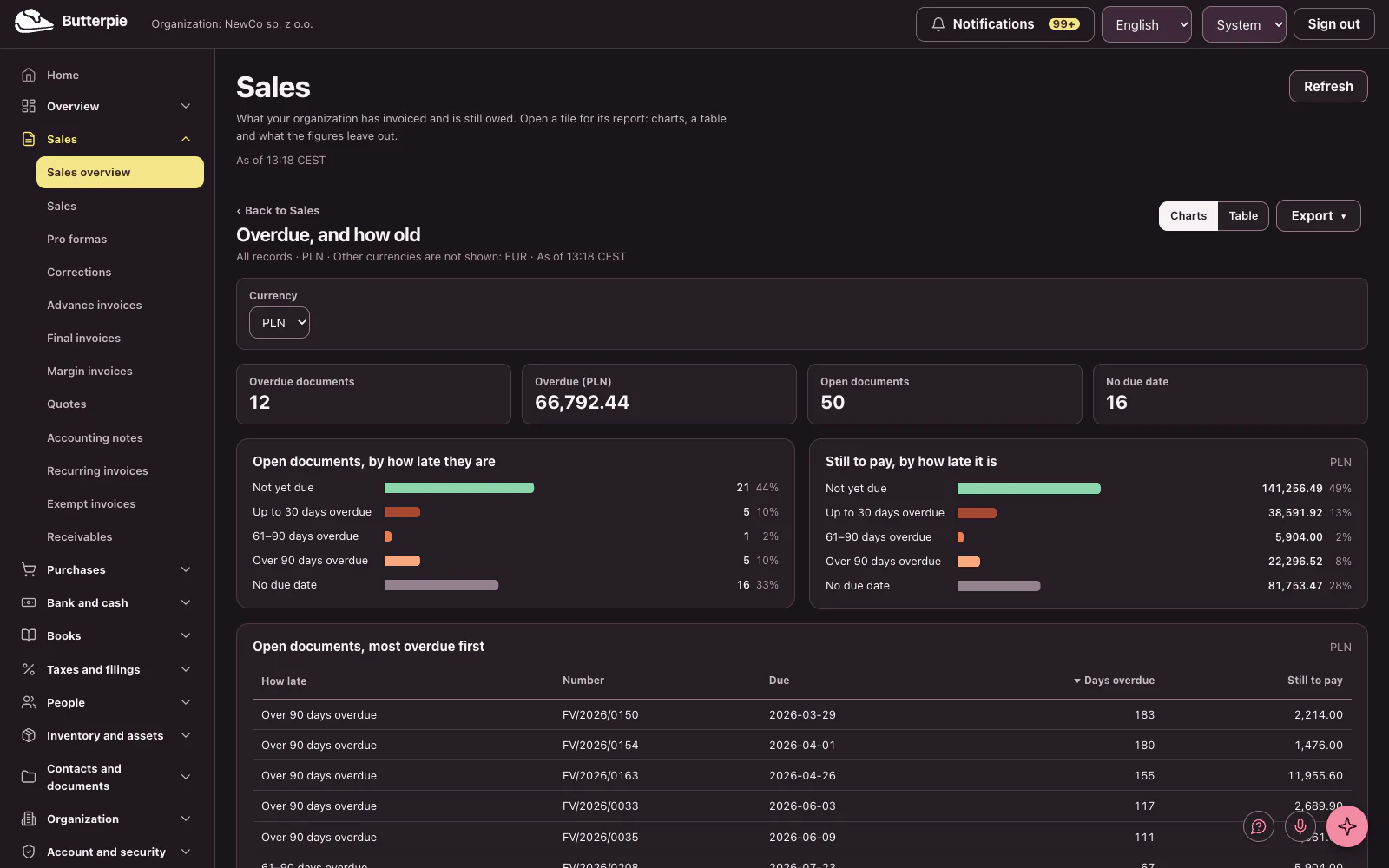
How late each open invoice is, band by band, at a glance.

Every customer and supplier, one click away.

Butterpie. Business, easy as pie. Try the demo!
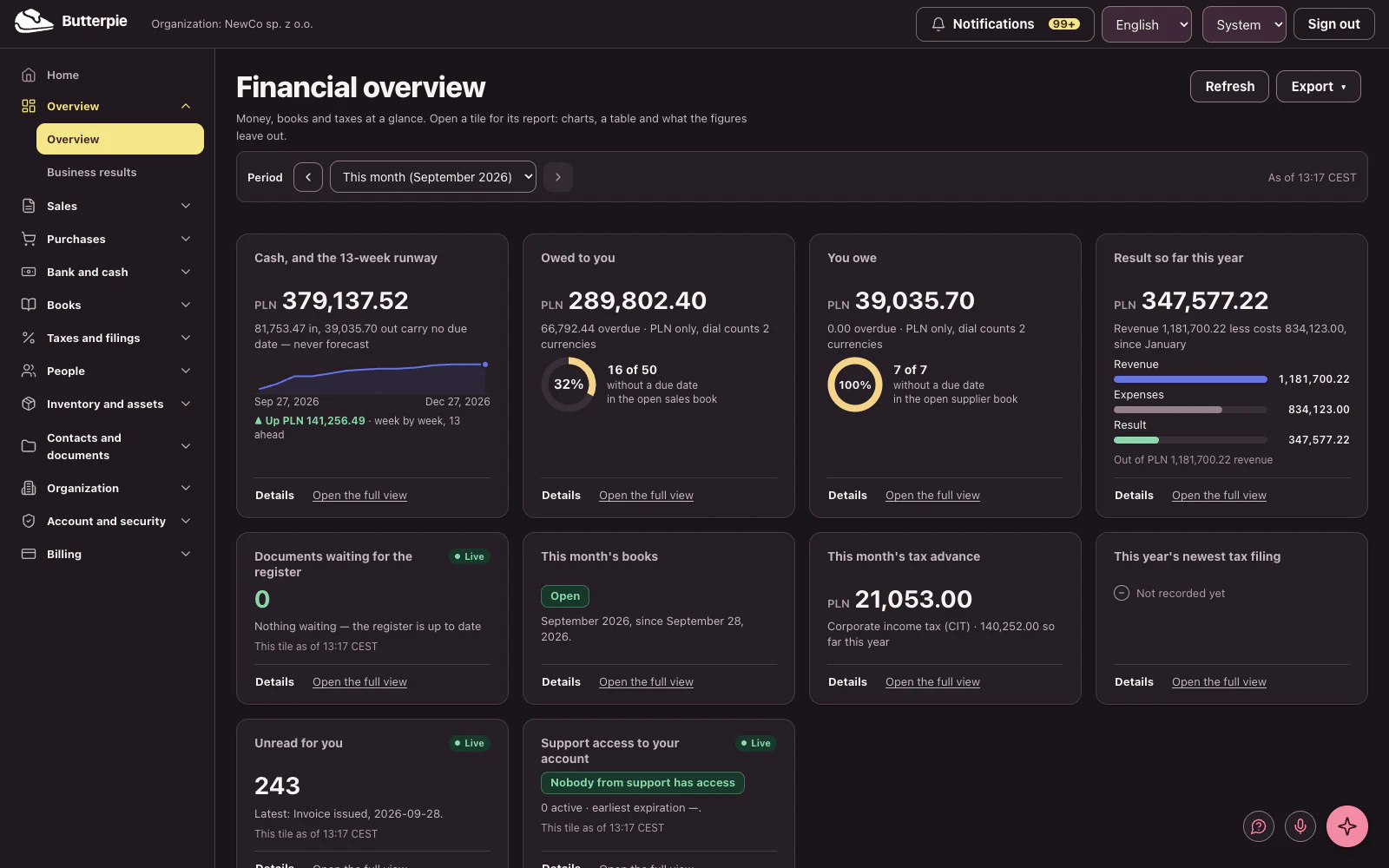
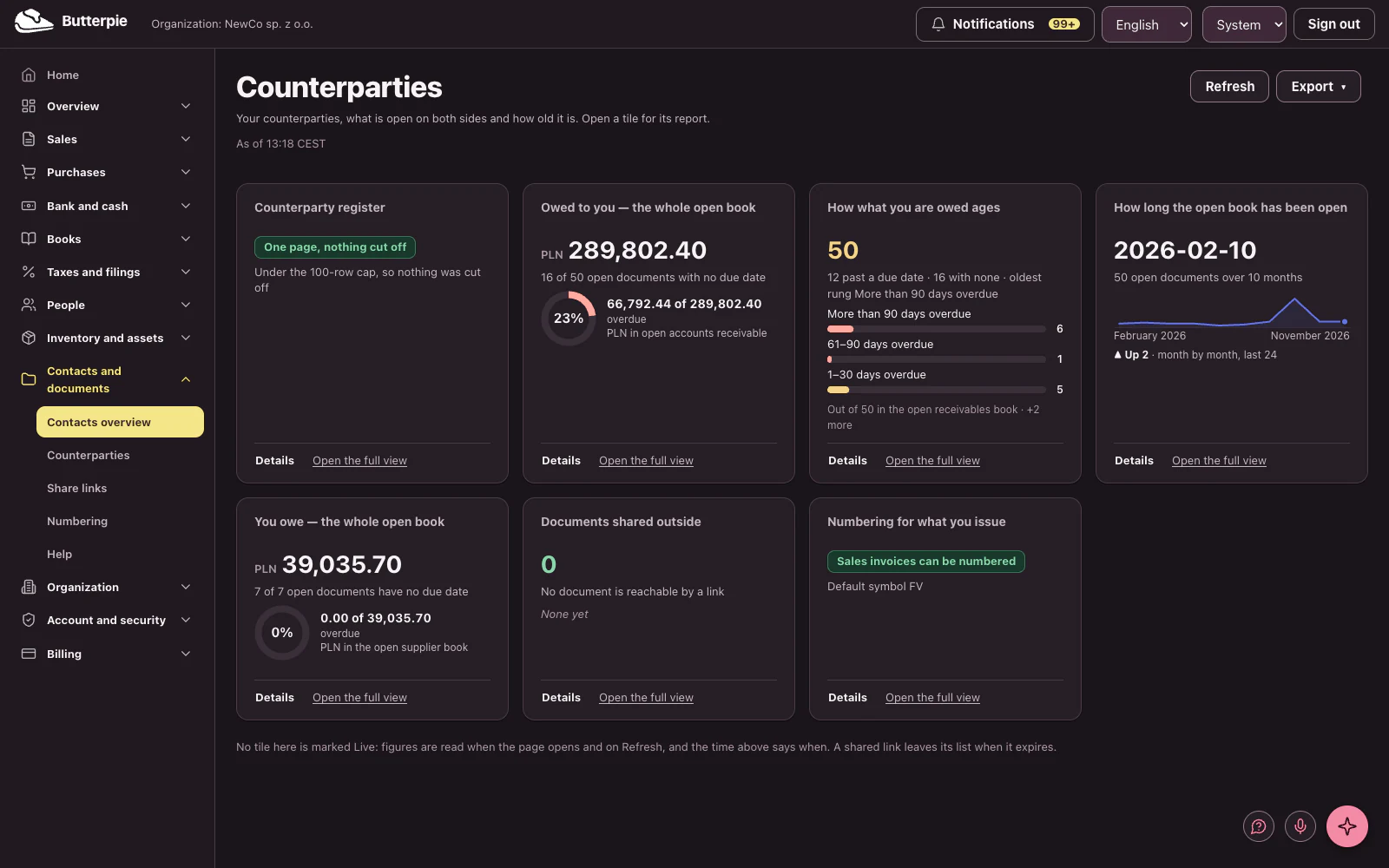
Contacts and documents: the dashboard, with the demo company's figures

Assistant

An assistant that asks before it acts.

  • Answers cite the documents they came from
  • Actions are proposed, then approved — never taken quietly
  • It reads only what your role already permits

Assistant: a short tour Length

The voices in this video are AI-generated.

Show transcript

Your AI assistant, the kind that asks before it acts.

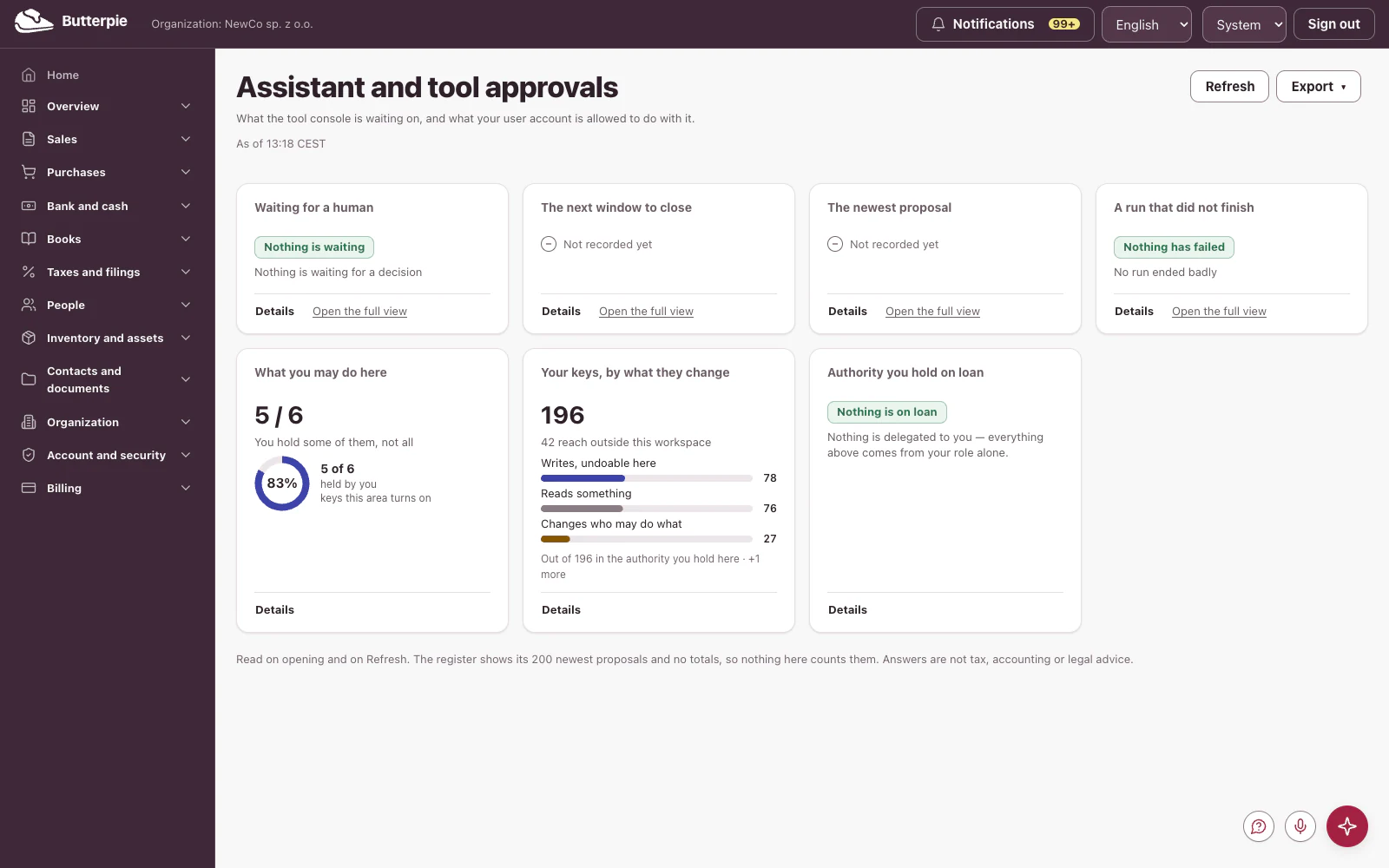
See at a glance whether anything awaits your approval, and the permissions the assistant works within.

Ask about your data in plain words, and answers cite their sources.

It reads only what your role allows, and never acts behind your back. The assistant comes with the Pro plan. Create your account and try it!

Assistant: the dashboard, with the demo company's figures

Organization

Who is in, and what they may do.

  • Members, roles, groups, and delegations
  • Invitations with a preview before anyone joins
  • More than one workspace, switched without signing out

Organization: a short tour Length

The voices in this video are AI-generated.

Show transcript

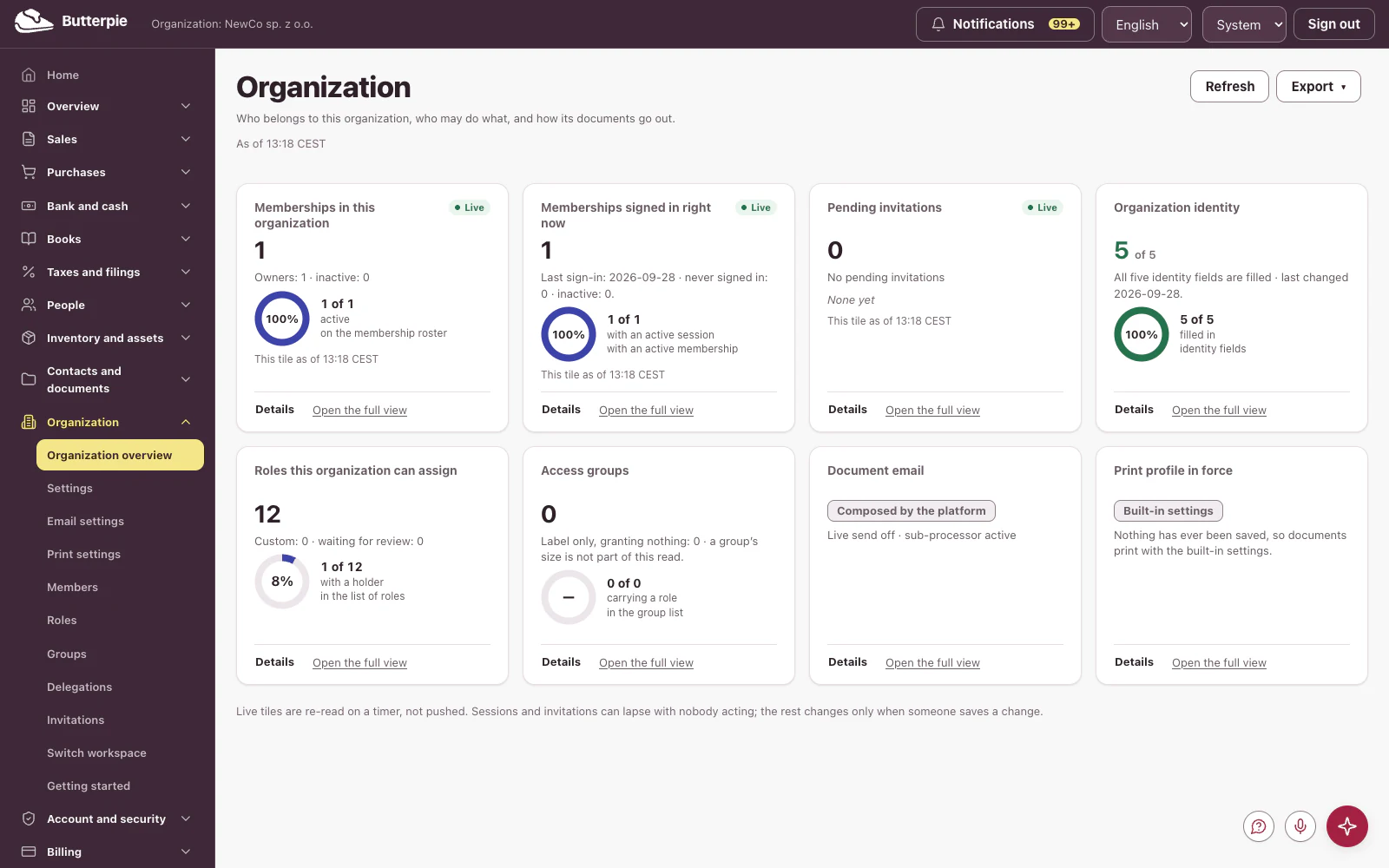
Your organization: who's in, and what they can do.

Members, who's signed in right now, the roles you can assign, and your organization's details, at a glance.

Every role, and who has it.

Invite your team with a preview before anyone joins, and switch workspaces without signing out.

Butterpie. The kitchen behind your business. Try the demo!
Organization: the dashboard, with the demo company's figures

Account and security

The parts most software leaves to trust.

  • Passkeys and MFA, with recovery that cannot be quietly reused
  • Every session listed, and revocable
  • An audit trail that is hash-chained and verifiable
  • Data export and erasure you can run yourself

Account and security: a short tour Length

The voices in this video are AI-generated.

Show transcript

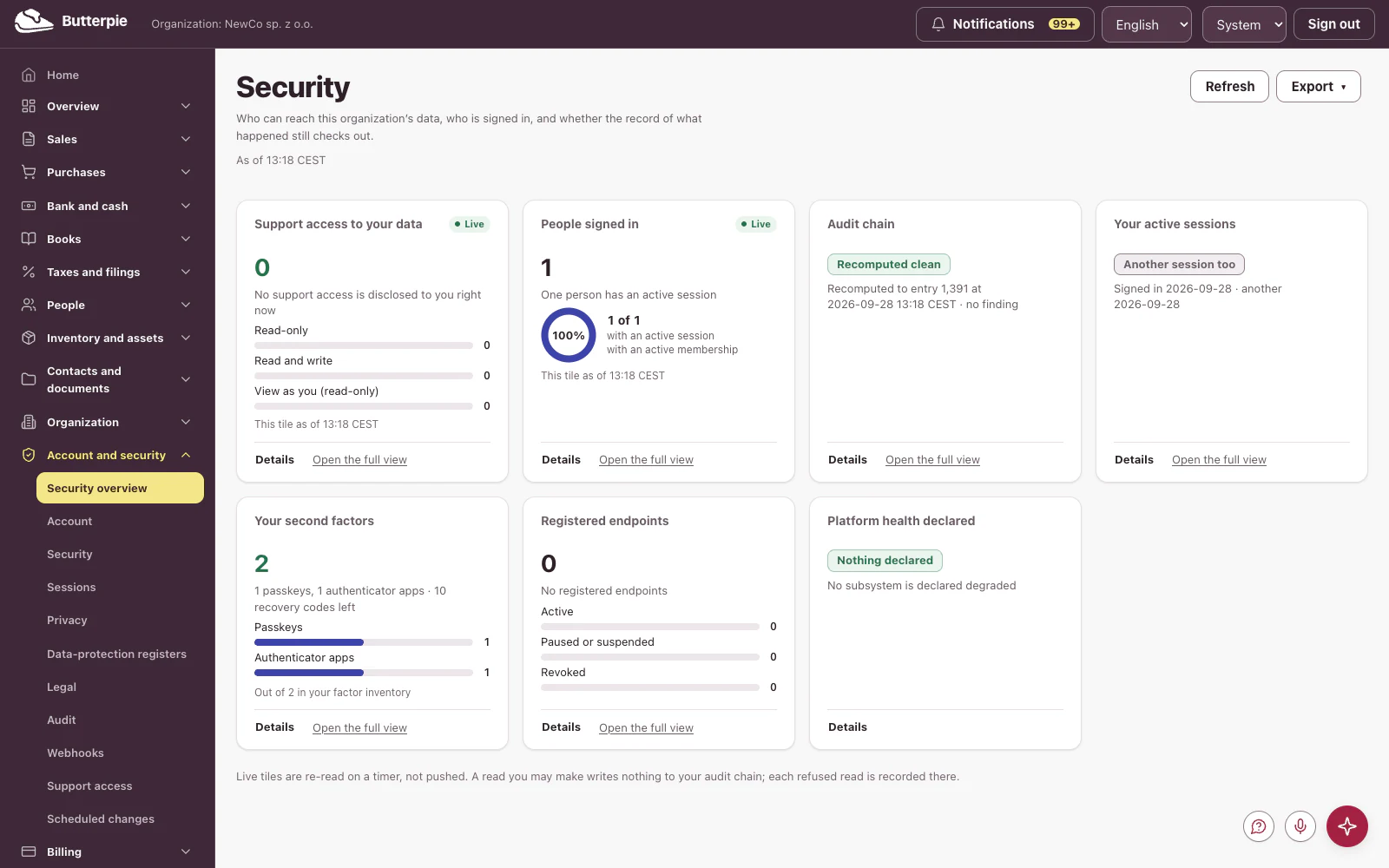
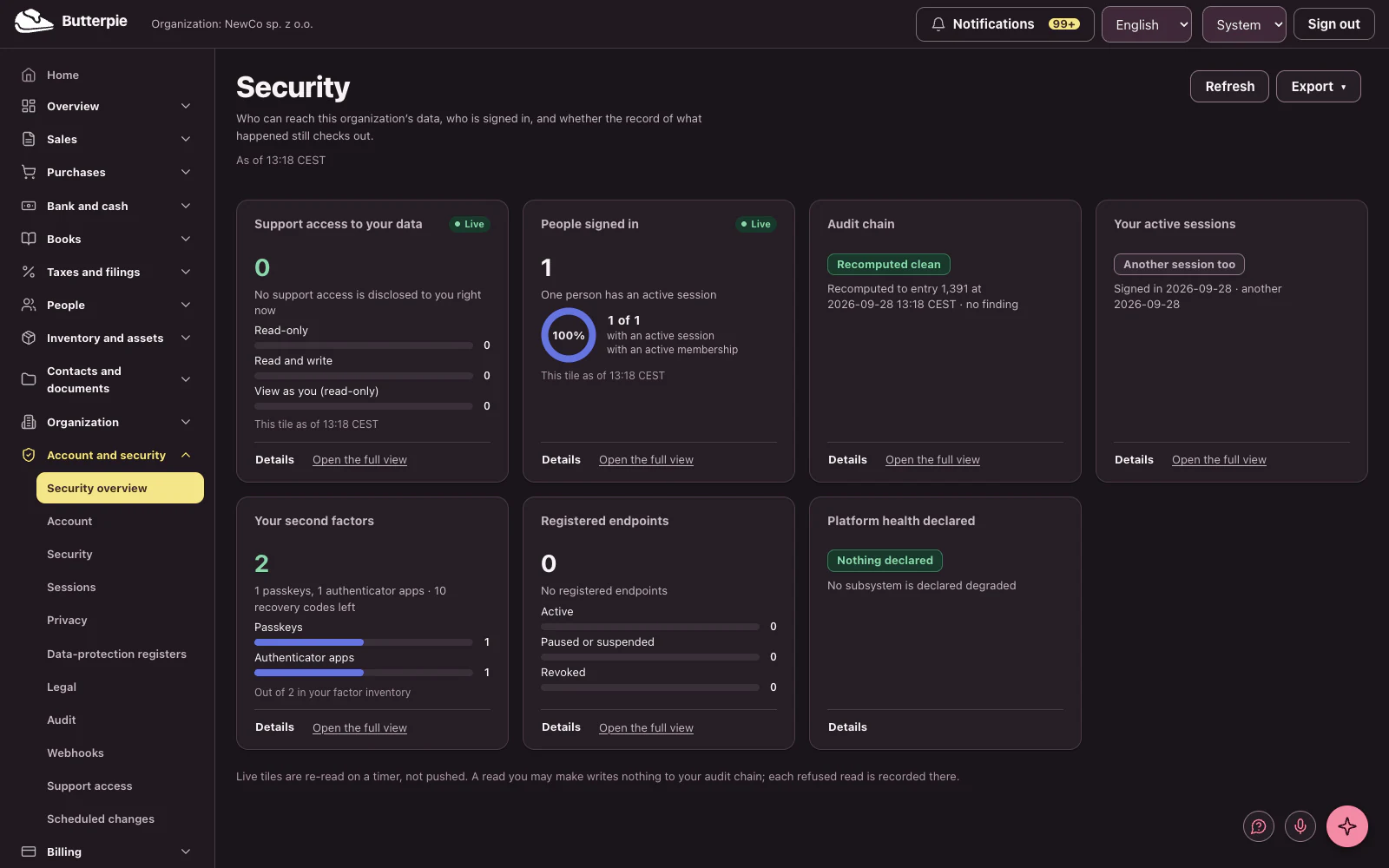
Security: the parts most software just asks you to trust.

Passkeys and second factors, every active session, whether support can access your data, and the audit chain.

An audit trail that's hash-chained and verified: intact, record by record.

Butterpie. Nothing half-baked. Try the demo!
Account and security: the dashboard, with the demo company's figures

Plan and payments

Plain about what you pay and what you use.

  • Your plan, its limits and what you have actually used
  • A preview before a downgrade takes anything away
  • Card payment handled by a regulated payment provider

Plan and payments: a short tour Length

The voices in this video are AI-generated.

Show transcript

Plan and payments: plain about what you pay and what you use.

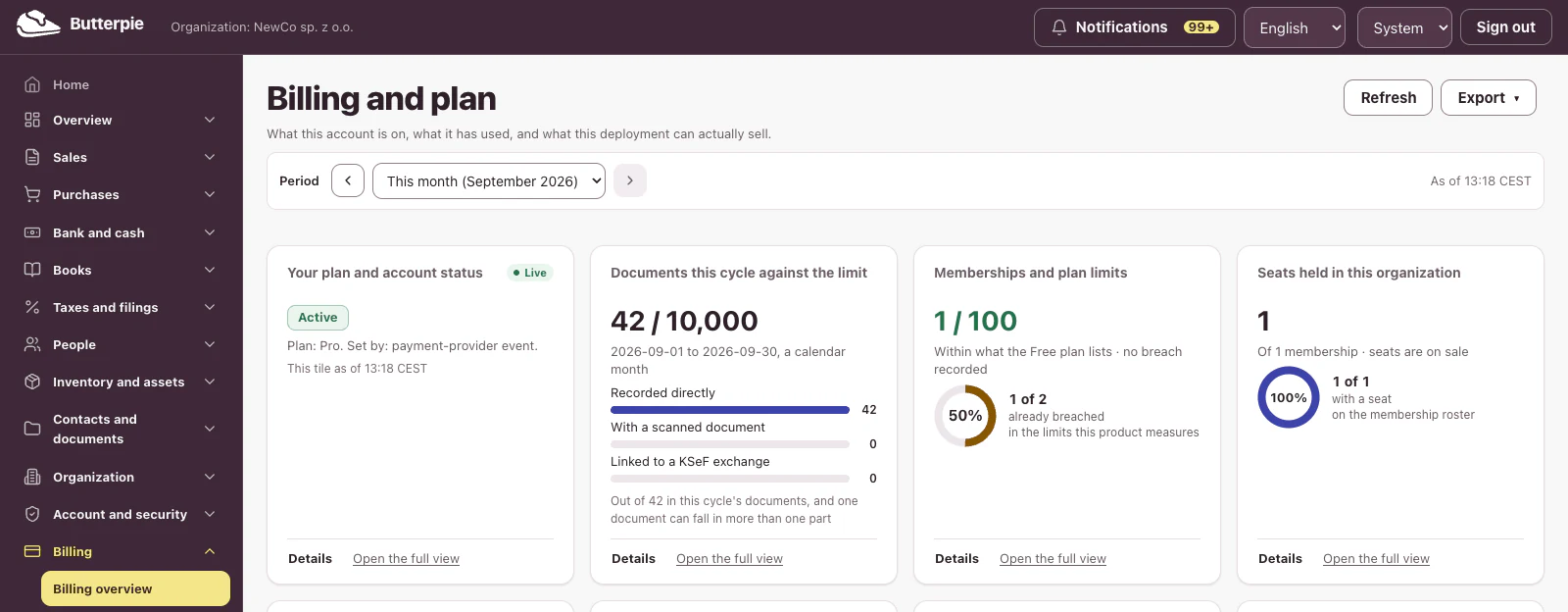
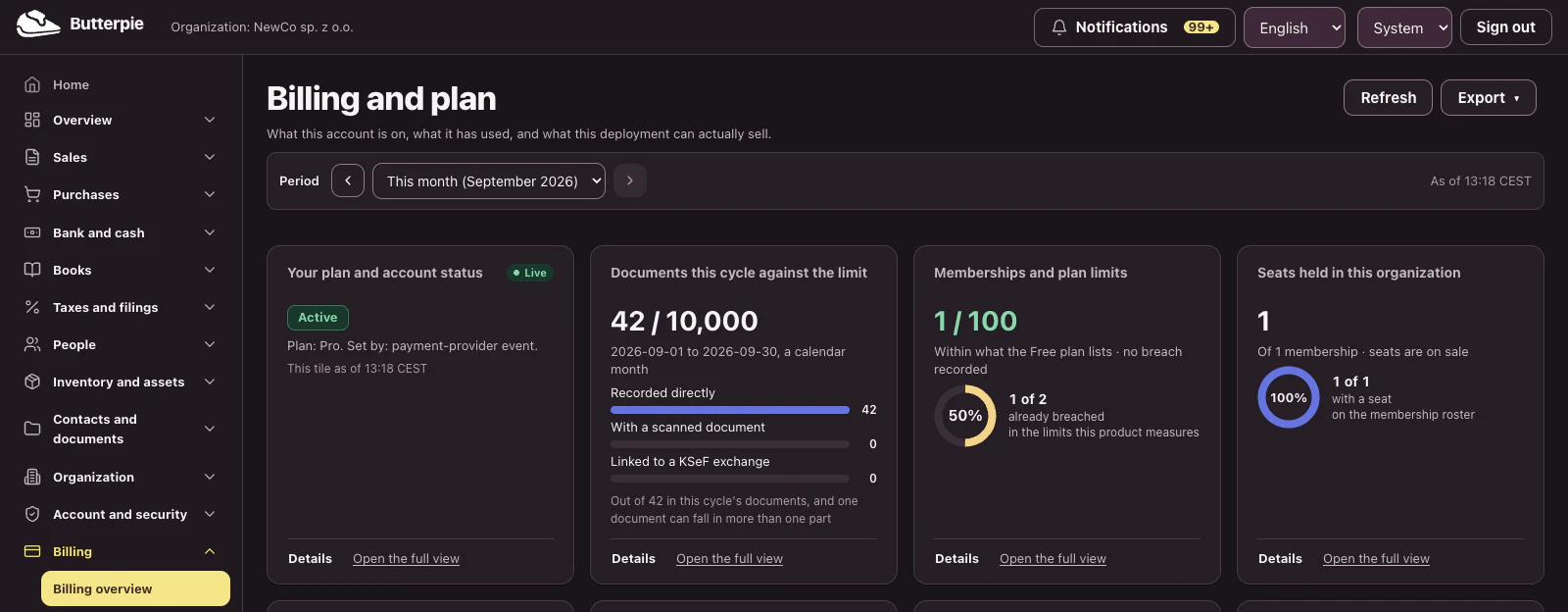
Your plan, this cycle's documents against your limit, memberships and seats.

Open any tile for the details.

And before a downgrade, a preview shows exactly what would change.

Butterpie. Your bread and butter, handled. Try the demo!
Plan and payments: the dashboard, with the demo company's figures

Dashboards, and the detail behind every tile

Every area opens on a dashboard read from the books, and every tile on it opens into a report you can work with.

  • Thirteen dashboards, one for each area of the back office
  • A tile opens its report: choose the range, group by period, compare with an earlier one, filter
  • Charts or a table, with a note of how many records each figure was calculated from
  • Download a CSV or a PDF, or print; the PDF carries the organization, the scope and the time it was made

Dashboards, and the detail behind every tile Length

From the overview to a tile, and from the tile to its report: range, grouping, comparison, filters and downloads.

The voices in this video are AI-generated.

Show transcript

This is your business at a glance! Cash and a thirteen-week runway, what you're owed, what you owe, and your result for the year so far, all read straight from the books.

Step back a month, and the monthly tiles follow.

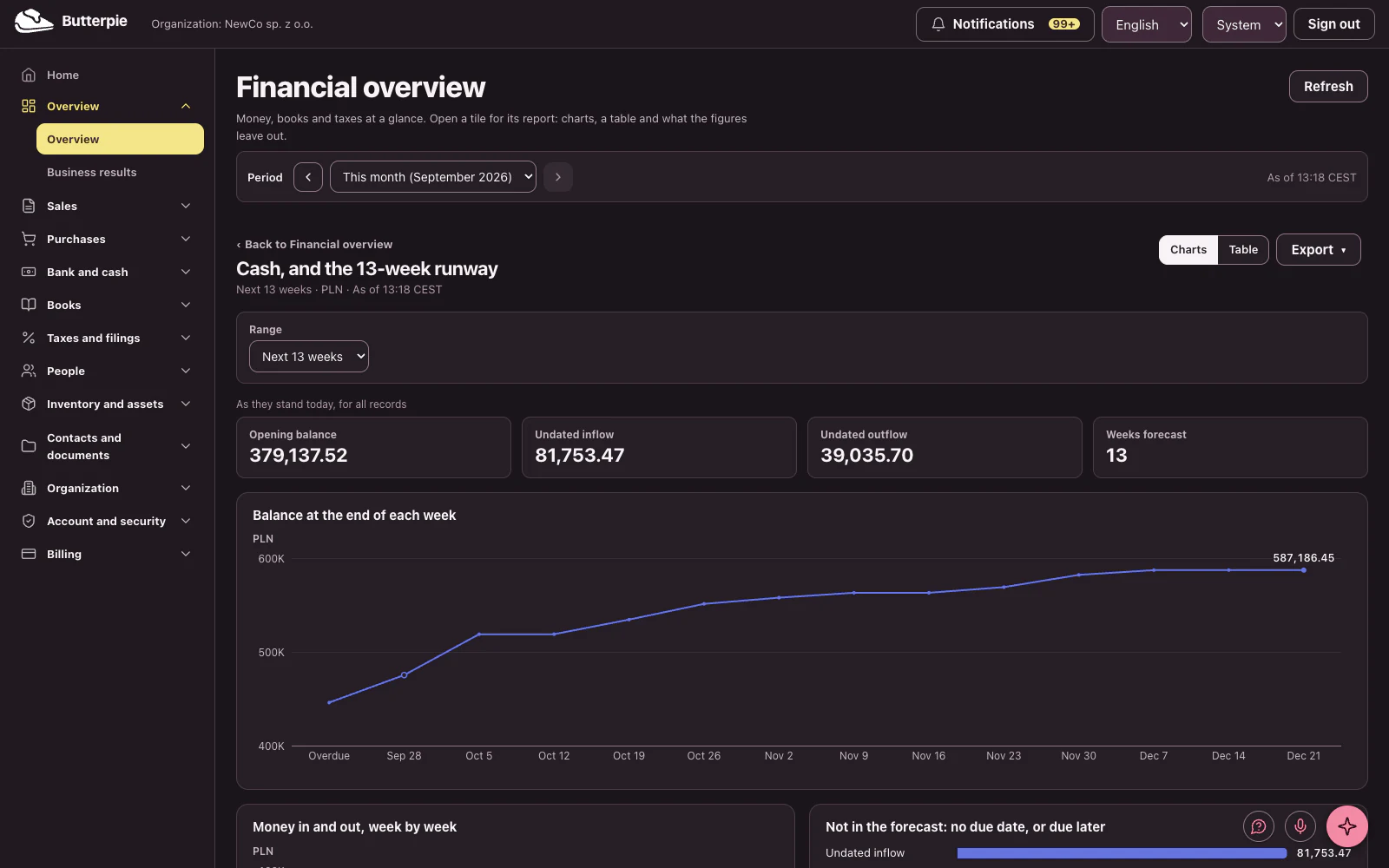
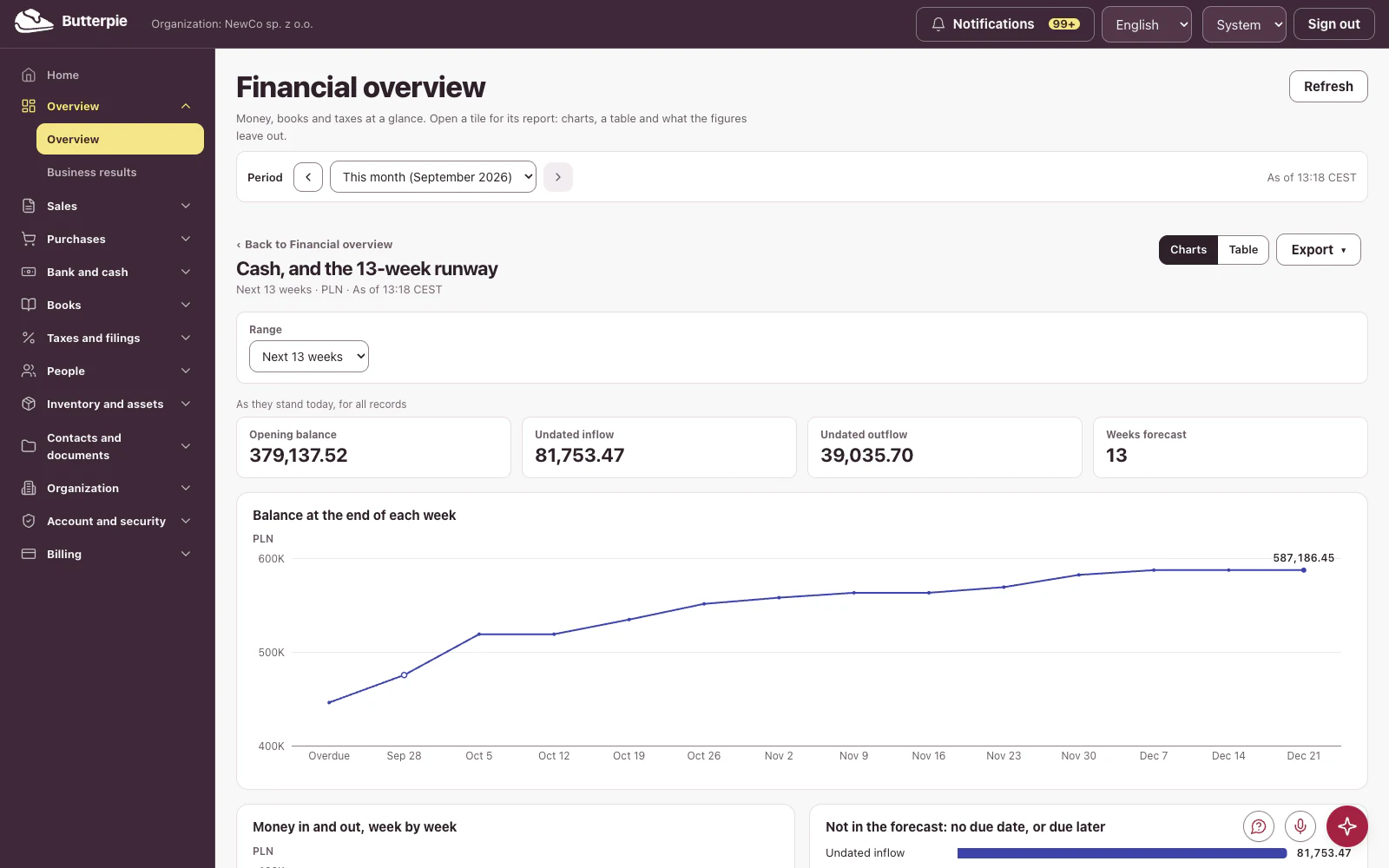
Every tile opens into a full report. Here's the cash runway, week by week.

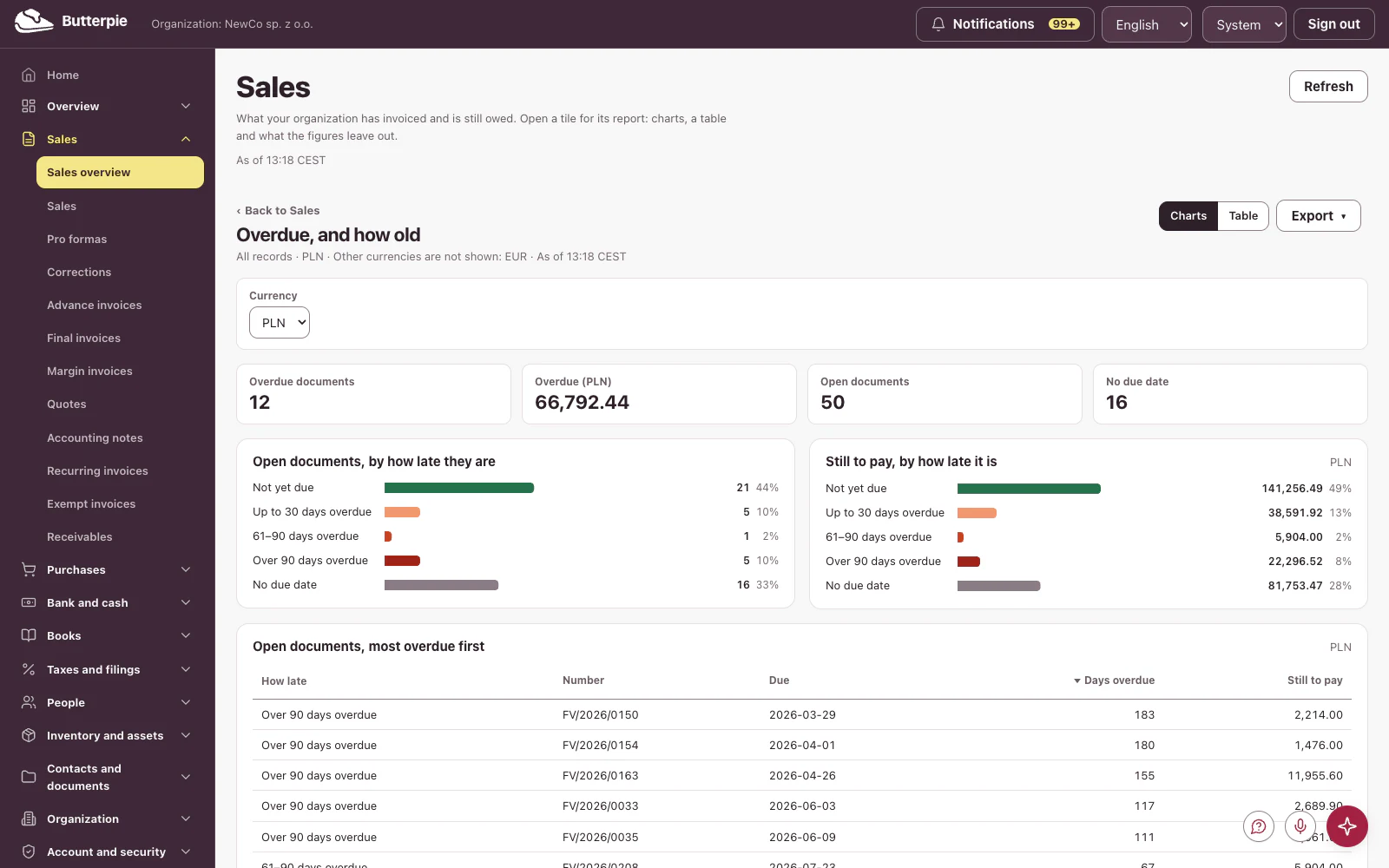
Over to sales: what customers owe you, month by month.

Change the range, group by quarter, compare with the previous period…

Flip to a table, and export it: PDF, CSV, or a link that opens exactly this view.

Thirteen dashboards, one for every area: sales, purchases, bank, taxes, people, inventory and more, all from one set of books.

Your numbers, finally easy to read. Try the Butterpie demo!

Cash, and the 13-week runway
Cash, and the 13-week runway Today's balance carried forward week by week with the invoices and bills falling due — an estimate from open documents, with undated ones shown separately.
Overdue, and how old
Overdue, and how old Every open sales document, banded by how late it is as of today, with undated ones in a band of their own.
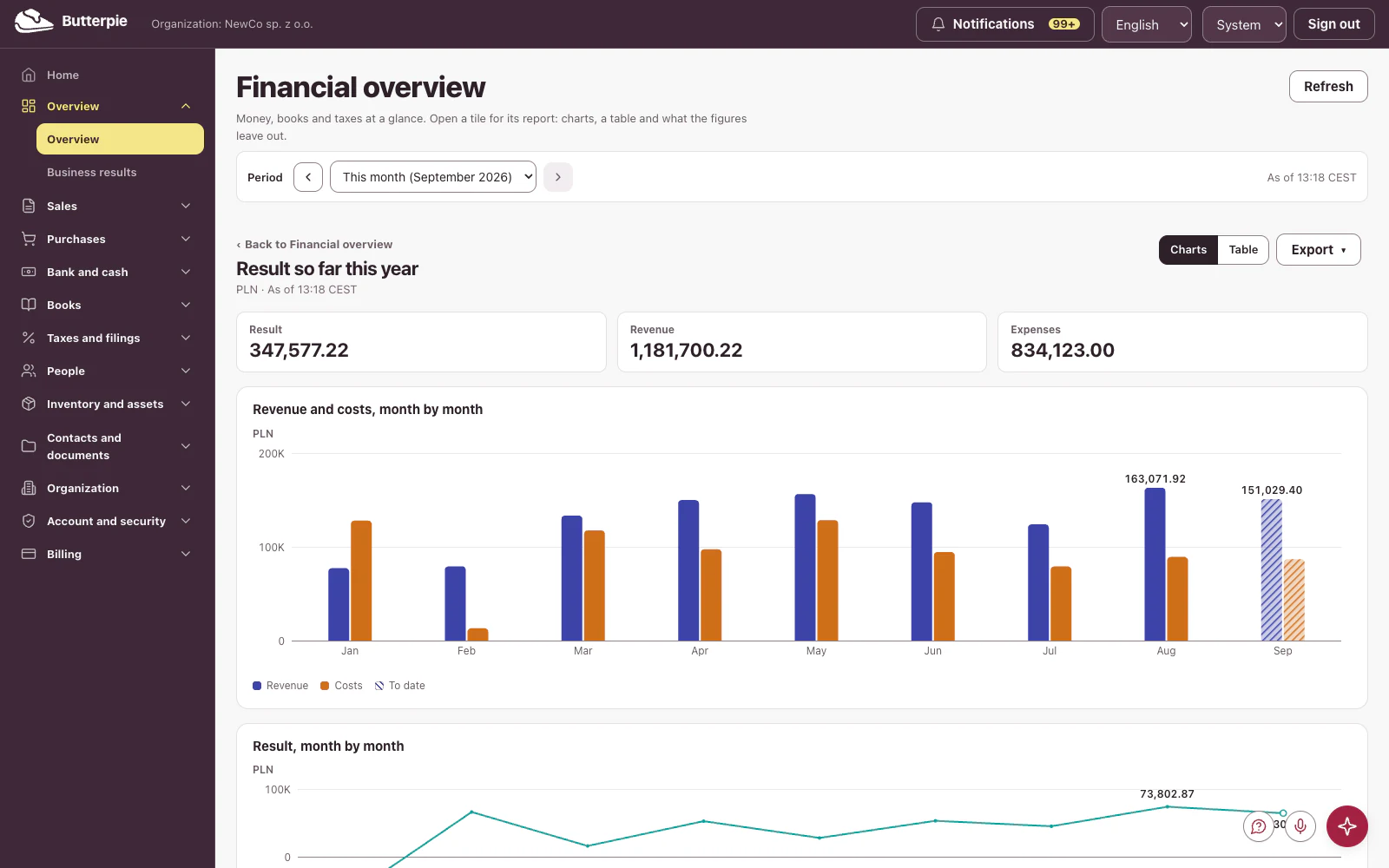
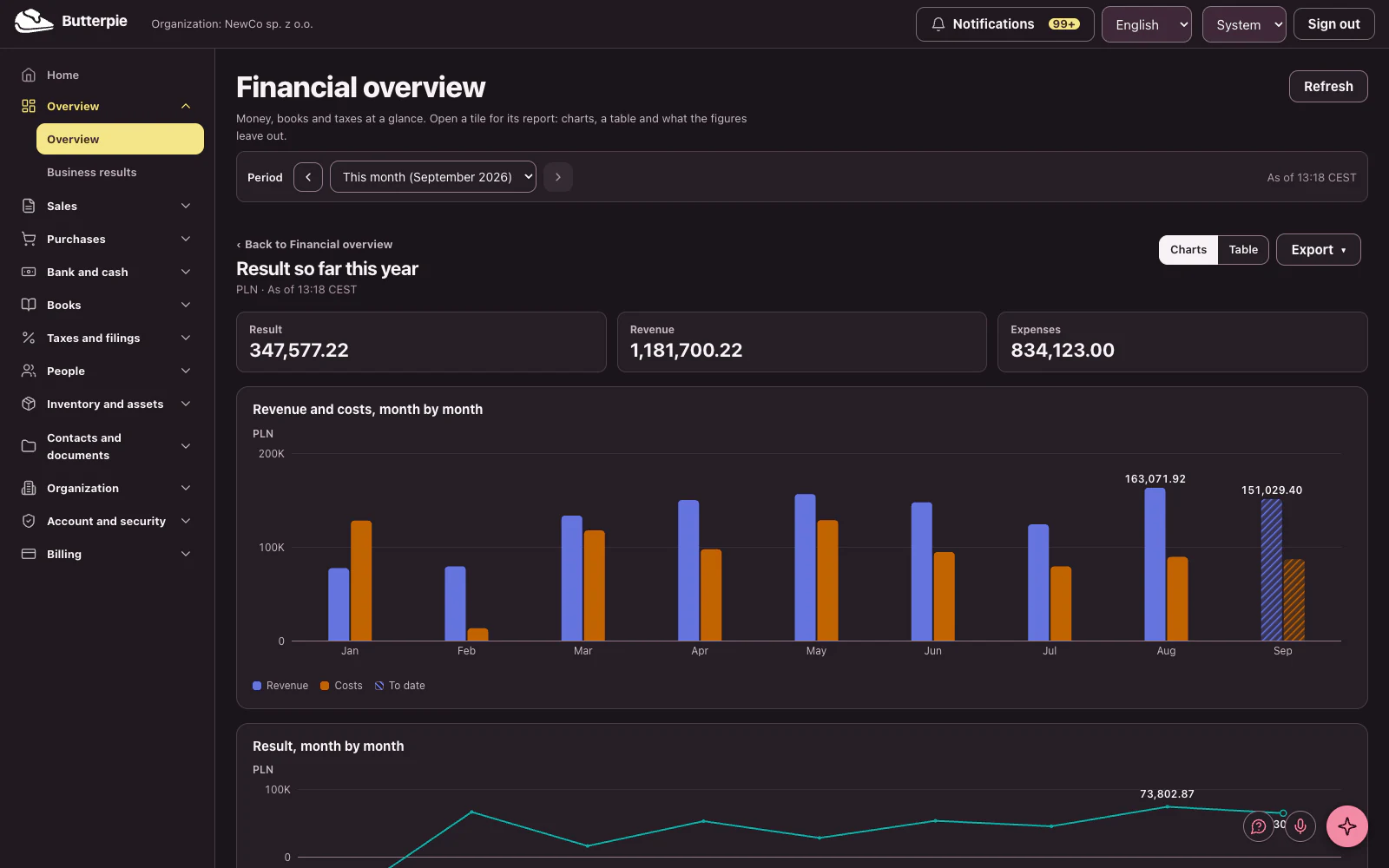
Result so far this year
Result so far this year Revenue minus costs, month by month, from the books the company keeps — each month its own figure, never a running total.

Try the demo Back to the overview